ERRORS
node-sass
(Switching between windows and mac)
- error Cannot find module 'node-sass'
npm rebuild node-sass
NVM (Node Version Manager)
install command example nvm install --lts.16.13.1
list versions | nvm list available
.nvmrc | project file containing the version of node you want to use "7"
Mac
git not working after update
xcode-select --install
nvm
- N/A: version "N/A -> N/A" is not yet installed
nvm alias default node
- android studio mac environment variables
- Error Spawn sync ./gradlew EACCESS
chmod 755 android/gradlew
- failed to install the app.
VERIFY
confirm the environment has git installed
git -v
VERIFY: confirm node is installed and what versions
nvm -v
node -v
npm -v
global node modules folder
npm root -g
/Users/username/.npm-global/lib/node_modules
<hr />
everything below this is unmaintained
<hr />
ERRORS APPENDIX
firebase
https://github.com/firebase/firebase-tools/issues/1627

Remove ng.ps1(respective ps1 file) from the directory C:\Users< username >\AppData\Roaming\npm\ then try clearing the npm cache at C:\Users< username >\AppData\Roaming\npm-cache
firebase error 2
If the execution policy in all scopes is Undefined, the effective execution policy is Restricted for Windows clients and RemoteSigned for Windows Server.
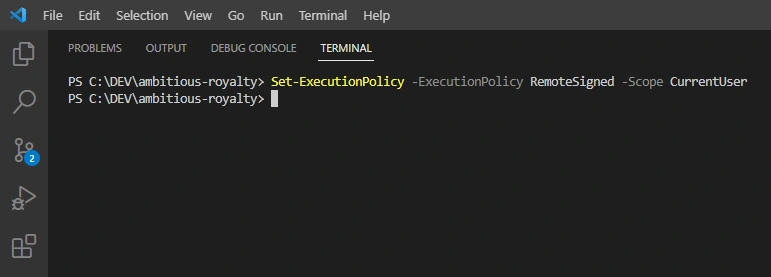
NPM START DOESNT WORK

SOLUTION
TROUBLESHOOTING WINDOWS NVM INSTALLION
ACCESS DENIED

FAILED ATTEMPT BELOW https://sebhastian.com/node-nvm-exit-1-access-denied/
3. ENABLE DEVELOPER MODE
https://www.anoopcnair.com/enable-disable-developer-mode-in-windows-11/
3A. SETTINGS
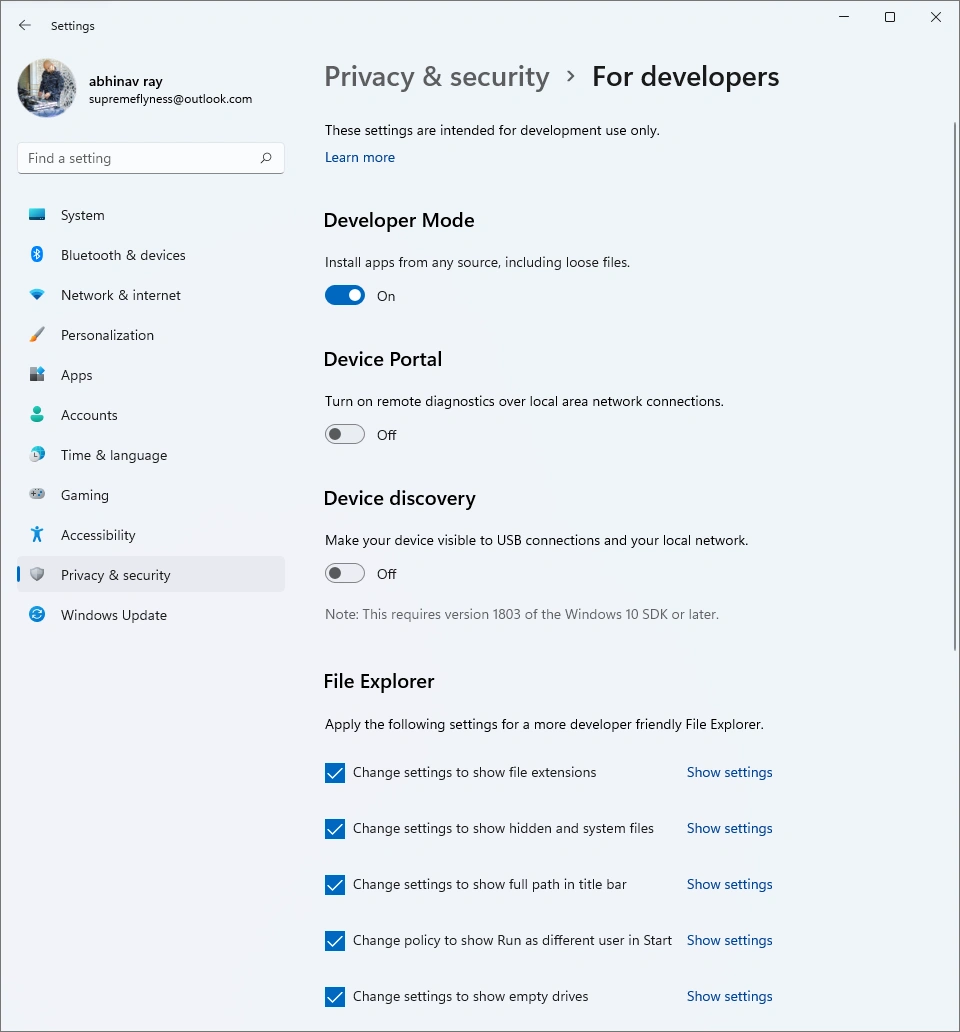
3B. CLICK YES
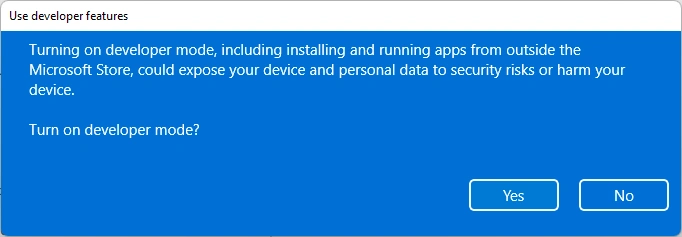
This version of Developer Mode only allows you to install apps from any source. It doesn’t grant you the elevated permission to create symlinks.
The Windows 11 version has the same Developer Mode option as the Windows 10 19043 above, so it’s won’t help resolve the issue at hand.
(IGNORE) BASIC APPROACH
NodeJS Version Manager (NVM)
https://tecadmin.net/how-to-install-nvm-on-ubuntu-22-04/
command to load the environment.
source ~/.profile
nvm install –lts
Angular Bootstrap Web App
1a. open node_modules/bootstrap/scss/_variables.scss
set line 118 to true \$enable-gradients: true
Stashed changes
ADVANCED APPROACH
https://blog.logrocket.com/how-switch-node-js-versions-nvm/
You do not need a Node version installed on your machine, and, if you do have Node installed, it does not matter. Installing NVM and using it to install Node versions will work separately from the existing one.
Let’s run nvm and node on the terminal. It shows that nvm and node are not found and suggests how to install Node:
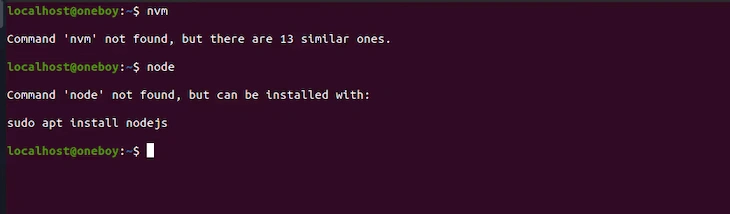
Checking That NVM And Node Are Installed In The CLI However, since we are not installing Node directly, we’ll focus on using NVM.
(linux directions) https://code.visualstudio.com/docs/setup/linux https://snapcraft.io/code
sudo snap install code --classic
npm install won't work, try this
npm i --legacy-peer-deps
ERROR 1
new repo ran
npm i
output
npm WARN EBADENGINE Unsupported engine
NPX Windows Bug
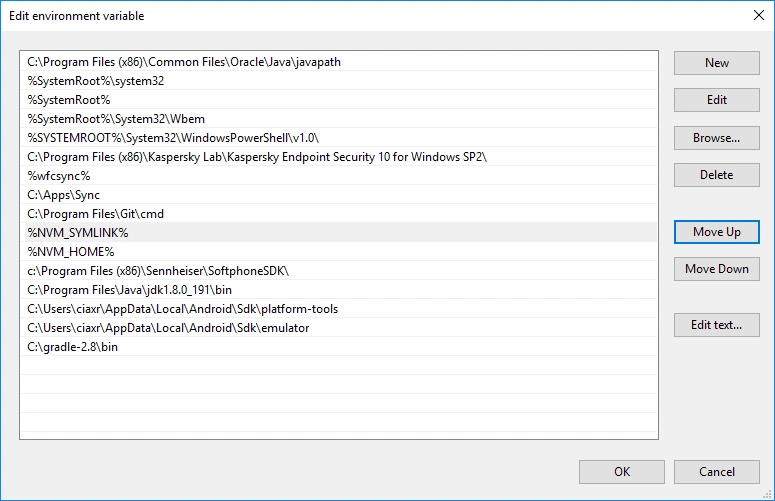
npm ERR! gyp ERR! find VS
(DEPRACATED 2019 - 2021)
npm install -g windows-build-tools
choco install microsoft-build-tools
npm ERR! gyp ERR! find Python
https://community.chocolatey.org/packages?q=python
choco install python