UX Strategy And Conversion
Source: free-ux-audit.md
UX Audit
High-Level Overview of UX Audits
Manual QA
- verify all links
- ensure all text, images
- checking design consistency
- document your findings
Button Variations
- too many styles causes confusion
- standardize to primary, secondary, tertiary
A UX audit is essentially a deep dive into how well a digital product (like a website or app) serves its users. It's not just about fixing bugs—it's about understanding the entire user journey to make the product more intuitive, efficient, and delightful. Think of it as diagnosing a car's performance: you check the engine (core functionality), handling (navigation), and comfort (visual appeal) to ensure a smooth ride.
At a high level, a UX audit involves:
- Preparation: Defining goals, understanding the product, and identifying target users.
- Evaluation: Using methods like heuristics, user testing, and analytics to spot issues.
- Analysis: Prioritizing problems based on severity and impact.
- Recommendations: Suggesting fixes, often with wireframes or prototypes.
- Reporting: Documenting findings in a clear report for stakeholders.
The goal is to boost user satisfaction, reduce bounce rates (users leaving quickly), and improve business metrics like sales or engagement. For your tech firm, this can inform product development, client pitches, or internal improvements. UX audits are iterative— you might repeat them after changes to verify improvements.
Core Concepts in UX Audits
Here are the foundational ideas behind UX audits, explained simply:
-
Heuristics Evaluation: This is a quick, expert-led review using predefined rules to judge usability. Jakob Nielsen's 10 Heuristics are the gold standard:
- Visibility of System Status: Keep users informed (e.g., loading indicators).
- Match Between System and Real World: Use familiar language and concepts (e.g., a shopping cart icon for e-commerce).
- User Control and Freedom: Allow easy undo/redo (e.g., back buttons).
- Consistency and Standards: Follow common conventions (e.g., blue underlined links).
- Error Prevention: Design to avoid mistakes (e.g., confirmation dialogs for deletions).
- Recognition Rather Than Recall: Make options visible (e.g., menus instead of memorized commands).
- Flexibility and Efficiency: Cater to novices and experts (e.g., keyboard shortcuts).
- Aesthetic and Minimalist Design: Avoid clutter; focus on essentials.
- Help Users Recognize, Diagnose, and Recover from Errors: Use plain-language error messages.
- Help and Documentation: Provide easy-to-search help.
Heuristics are cost-effective and don't require users, but they're subjective and best combined with other methods.
-
User-Centered Design: The philosophy that UX should revolve around users' needs, not just tech or business goals. Audits ensure this by incorporating personas and feedback.
-
Quantitative vs. Qualitative Data: Quantitative is measurable (e.g., time to complete a task via analytics). Qualitative is descriptive (e.g., user interviews on frustrations).
-
Accessibility Standards: Follow guidelines like WCAG (Web Content Accessibility Guidelines) to ensure inclusivity, such as alt text for images.
-
Iterative Process: UX audits aren't one-and-done; they feed into design cycles for continuous improvement.
These concepts form the backbone of any audit, adapting to the product's complexity.
Fail-Safe SOP for Conducting UX Audits
This Standard Operating Procedure (SOP) is designed as a fail-safe guide—meaning it's built to minimize errors, with checkpoints, clear steps, and contingencies. It's worded simply so a college undergrad can follow it without confusion. The SOP is divided into universal steps (applicable to both personas) and persona-specific branches for the two target users:
-
Enterprise Corporate Clients: These are large companies with custom React web apps. Their products are complex, data-heavy, and used by employees or B2B users for tasks like dashboards or workflows. Focus on scalability, security integration, and efficiency.
-
Mom & Pop Shops: Small businesses with Wix websites. These are simple, often e-commerce or informational sites for local customers. Focus on ease of use, mobile-friendliness, and quick wins without heavy coding.
Tools Needed: Free or basic ones like Google Analytics (for data), Figma or Sketch (for wireframes), Hotjar or Crazy Egg (for heatmaps), screen recording software (e.g., Loom), and accessibility checkers (e.g., WAVE tool). No advanced coding required unless noted.
Phase 1: Preparation (1-2 Days)
-
Define Audit Goals: Start by listing 3-5 clear objectives. For example, "Improve checkout flow" or "Reduce navigation confusion." Ask the client: "What user complaints or business goals should we target?" Document in a shared Google Doc.
-
Gather Background Info: Review the product's purpose, existing analytics (e.g., bounce rates), and any prior feedback. For Enterprise: Request access to React codebase or dev tools. For Mom & Pop: Log into Wix dashboard for site stats.
-
Create or Refine User Personas: Build 2-3 personas per target. Include demographics (age, job), goals (e.g., "Quickly find product info"), and pain points (e.g., "Slow loading"). Use templates from sites like UXPin.
- Checkpoint: Share personas with a teammate for review. If unclear, revisit with client input.
-
Assemble Team: You (auditor) + 1-2 helpers (e.g., undergrad intern for note-taking). Assign roles: one for data collection, one for analysis.
Phase 2: Evaluation (3-5 Days)
Use a mix of methods. Document everything in a spreadsheet with columns: Issue, Screenshot, Severity (Low/Med/High), and Heuristic Violated.
-
Heuristics Review: Walk through the site/app using Nielsen's 10 Heuristics. Spend 1-2 hours per section (e.g., homepage, key flows).
-
Enterprise Branch: Focus on complex features like data tables or integrations. Test on desktop (primary use). Check for efficiency in multi-user scenarios (e.g., role-based access).
-
Mom & Pop Branch: Prioritize mobile view (small biz sites get lots of phone traffic). Test simple flows like contact forms. Use Wix's preview mode.
-
-
Cognitive Walkthrough: Simulate user tasks step-by-step. For each: Ask, "Will the user know what to do? Will they notice the right element? Will they understand feedback?"
-
Enterprise: Tasks like "Generate a report" or "Collaborate on a dashboard." Time each step; aim for under 2 minutes for frequent tasks.
-
Mom & Pop: Tasks like "Find store hours" or "Add to cart." Ensure one-handed mobile use.
-
-
Usability Testing: Recruit 5-7 users (via friends, Reddit, or UserTesting.com—budget $50-100). Observe them completing tasks remotely or in-person. Record sessions.
-
Enterprise: Use professional users (e.g., via LinkedIn). Test in a controlled environment mimicking work setups.
-
Mom & Pop: Use everyday people (e.g., family). Test on varied devices; focus on accessibility for older users.
-
-
Analytics and Tools Review: Install/use heatmaps to see hot/cold spots. Check accessibility with automated tools.
-
Enterprise: Integrate with tools like Google Analytics for funnel drop-offs. Scan for React-specific issues (e.g., state management errors).
-
Mom & Pop: Use Wix's built-in analytics. Check for common Wix pitfalls like template overload.
-
Checkpoint: If data is incomplete (e.g., no analytics access), pause and request it. Rate issues: High if it blocks tasks, Med if annoying, Low if cosmetic.
-
Phase 3: Analysis (2-3 Days)
-
Prioritize Issues: Sort by impact (e.g., affects conversion rate?) and effort to fix. Use a matrix: High Impact/Low Effort first.
-
Identify Patterns: Group similar problems (e.g., all navigation issues). Link to heuristics or data.
-
Brainstorm Fixes: For each issue, suggest 1-2 solutions with rough wireframes.
-
Enterprise: Propose React components or API tweaks. Consider scalability (e.g., for 1000+ users).
-
Mom & Pop: Suggest Wix drag-and-drop changes. Keep fixes no-code where possible.
-
Checkpoint: Review with a peer. Ensure fixes align with personas.
-
Phase 4: Recommendations and Reporting (2 Days)
-
Create Report: Use a template: Executive Summary, Findings (with visuals), Prioritized Recommendations, Glossary (reuse this one).
-
Suggest Iterations: Recommend A/B testing for big changes. Plan a follow-up audit in 3-6 months.
-
Present to Client: Schedule a 30-min call. Use slides to highlight top 3 wins.
-
Enterprise: Emphasize ROI (e.g., "This fix could save 10% employee time").
-
Mom & Pop: Focus on simplicity (e.g., "Easy 5-min Wix edit for better sales").
-
Phase 5: Follow-Up (Ongoing)
-
Implement and Test: Help client apply fixes, then re-test with users.
-
Document Lessons: Update this SOP with what worked/didn't.
Fail-Safe Tips: Always back up data. If stuck, consult free resources like Nielsen Norman Group articles. Budget: $100-500 for tools/testing. Time: 1-2 weeks total.
Questions for Clarification
To make this SOP even more tailored for your tech firm, I have a few questions:
- What is the primary focus of your tech firm (e.g., software development, consulting, or something else)? This could help customize examples.
- Are there specific tools or software your firm already uses for UX work (e.g., Figma, Adobe XD, or analytics platforms)?
- For the enterprise persona, what industry are these corporate clients in (e.g., finance, healthcare)? This affects heuristics like security.
- For mom & pop shops, what types of Wix sites are common (e.g., e-commerce, blogs, services)?
- Do you want the SOP to include budget estimates, timelines, or templates (e.g., sample spreadsheets)?
- Any particular pain points or past audit experiences to incorporate?
- Should I expand on any section, like more examples for heuristics or adding sections for remote vs. in-person testing?
Source: content.md
Content Pages & Layouts
This section covers various page types and content layouts used throughout the application.
Home Pages
Coming soon - home page variations and layouts
Landing Pages
Coming soon - landing page designs and conversion optimization
Portfolio Pages
Portfolio Showcase

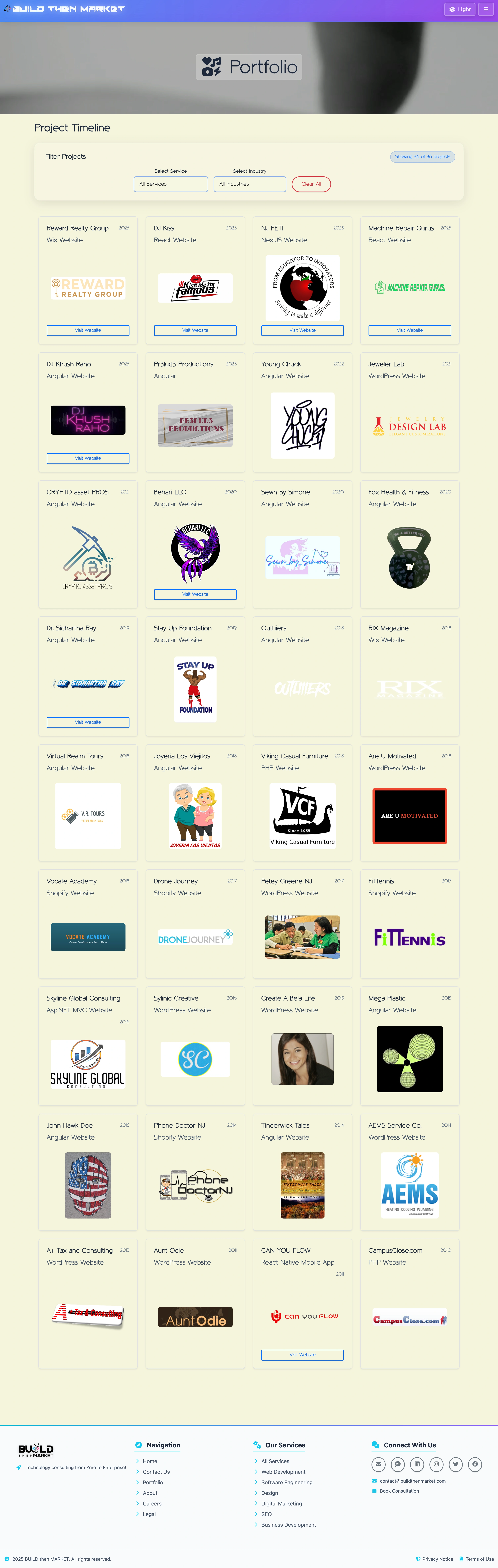

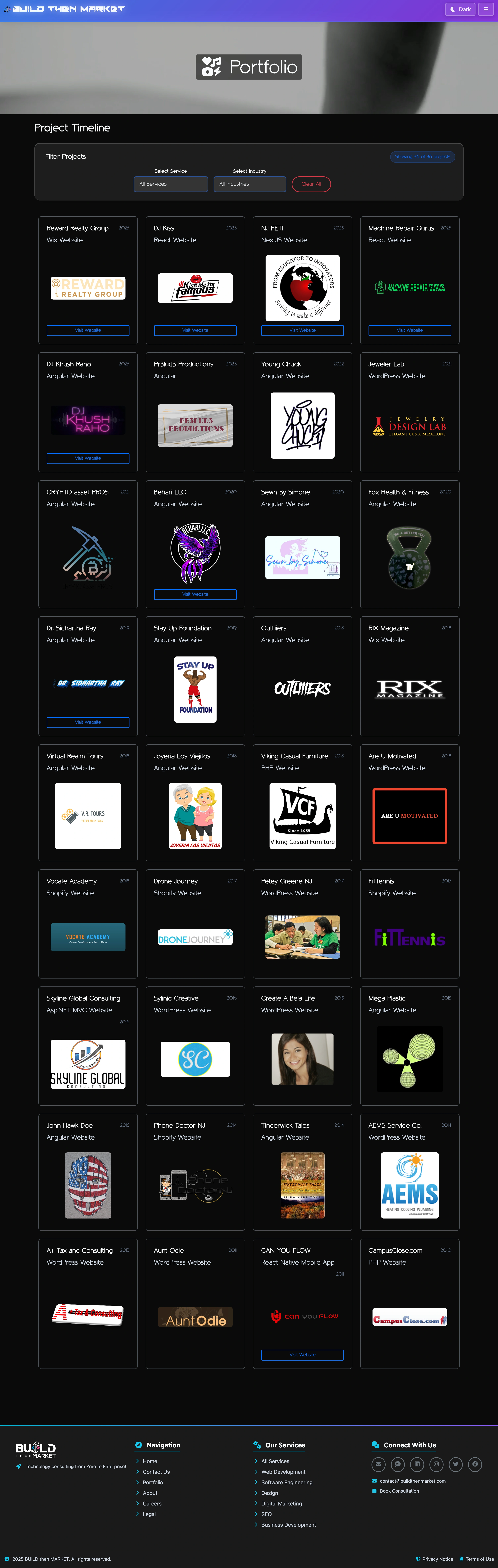
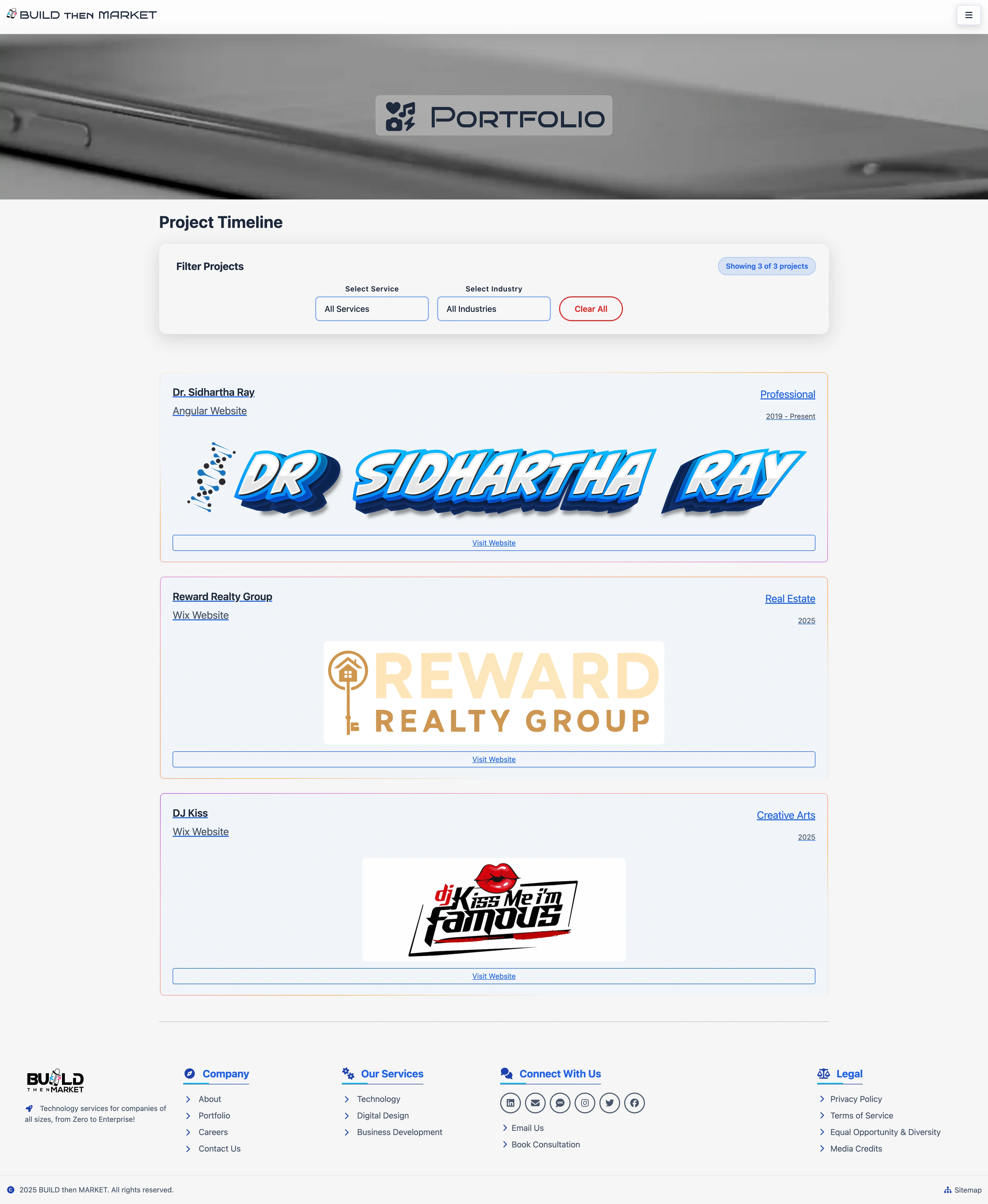


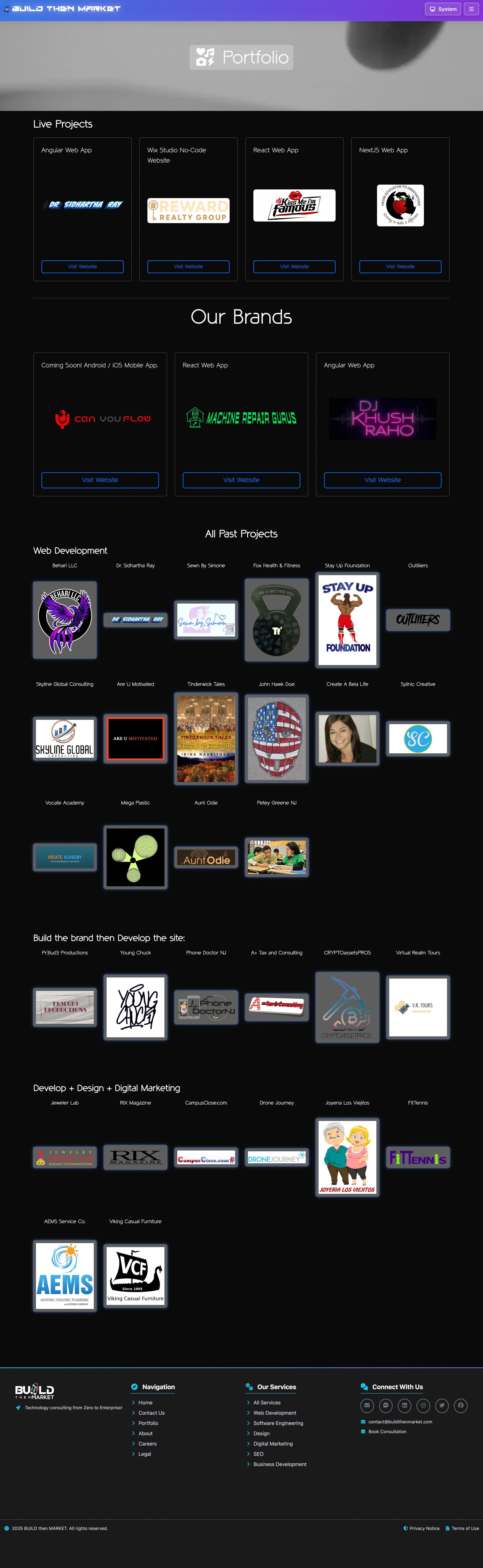
About Pages
Coming soon - about page designs and personal branding layouts
Error Pages
Coming soon - 404 and error page designs
Career Pages
Coming soon - career and job posting page layouts
Source: customer-journey.md
Conversion Rate Optimization (CRO)
Improving your Landing Page's Funnel Design will help your effectiveness across the user journey from initial awareness to final action
Customer journey maps are helpful to the design process for several reasons:
Understanding customer needs: A customer journey map helps designers to understand the needs, wants, and pain points of customers at each stage of their journey. This understanding can help designers to create products or services that better meet the needs of customers.
Identifying opportunities: Customer journey maps can help designers identify opportunities to improve the customer experience. By mapping out the journey, designers can identify areas where customers may be experiencing frustration or difficulty, and then find ways to address those issues.
Aligning teams: Customer journey maps provide a shared understanding of the customer experience across different teams and departments within an organization. This shared understanding can help to align teams around a common goal and ensure that everyone is working towards improving the customer experience.
Testing assumptions: Customer journey maps can help designers to test their assumptions about the customer experience. By mapping out the journey and then testing it with real customers, designers can validate their assumptions and make adjustments as needed.
Improving communication: Customer journey maps can help designers to communicate the customer experience to stakeholders, including executives, investors, and other team members. By visualizing the journey, designers can make it easier for others to understand the customer experience and the opportunities for improvement.
Overall, customer journey maps are a valuable tool for designers to better understand the customer experience and create products and services that meet the needs of customers.
Use Case
My business <brief description of brand/product/service> serves <target audience details> who are looking for <specific needs, e.g., convenience, efficiency, personalization>.
Develop a detailed customer journey map outlining the key stages from awareness to post-purchase loyalty. For each stage, identify customer goals, emotions, and touchpoints where my brand can make an impact. Provide recommendations for improving engagement and reducing friction across <specific channels, e.g., website, email, social social media>.
Suggest ways to align the customer journey with my audience's <expectations and behaviors> while driving conversions and building long-term loyalty.
Customer journey spans both UX and marketing, but the ownership and focus differ depending on the context and organization.
Marketing perspective: Customer journey mapping often starts in marketing, where teams focus on awareness, acquisition, and conversion touchpoints. Marketing typically owns the pre-purchase journey stages and uses journey mapping to optimize campaigns, lead nurturing, and conversion funnels.
UX perspective: UX teams focus on the experience aspects of the journey, particularly post-awareness interactions. They're concerned with usability, emotional experience, pain points, and how users actually interact with products or services throughout their lifecycle.
The overlap: Modern customer experience requires both disciplines working together. The most effective approach treats customer journey as a shared responsibility where:
- Marketing handles acquisition and early-stage journey orchestration
- UX designs and optimizes the interaction experience
- Both collaborate on touchpoint design and overall experience strategy
Many organizations are moving toward dedicated Customer Experience (CX) teams that bridge marketing and UX, recognizing that silos between these functions often create disjointed experiences.
The key is ensuring whoever "owns" customer journey mapping has input from both sides, since a journey that converts well but provides a poor user experience (or vice versa) ultimately fails to serve business goals.
"UX Design Doesn't End with Your Website"
consider the entire customer journey and user experience beyond just the website.
The article argues that UX design should encompass all touchpoints of the customer journey, including social media, email, and physical locations. It suggests that UX designers should work closely with other teams, such as marketing and customer service, to ensure a cohesive and consistent experience across all channels.
The article also emphasizes the importance of considering the emotional and psychological aspects of the user experience, such as building trust and creating a sense of belonging. It suggests that UX designers should think beyond just usability and functionality and consider the overall brand experience.
Finally, the article suggests that UX designers should continuously gather feedback and data to inform their design decisions and iterate on the user experience over time.
Overall, the article highlights the importance of taking a holistic approach to UX design and considering the entire customer journey, both online and offline, in order to create a seamless and satisfying user experience.
Source: commerce.md
Commerce & Marketing Components
This section covers e-commerce interfaces, pricing displays, marketing components, and conversion optimization elements.
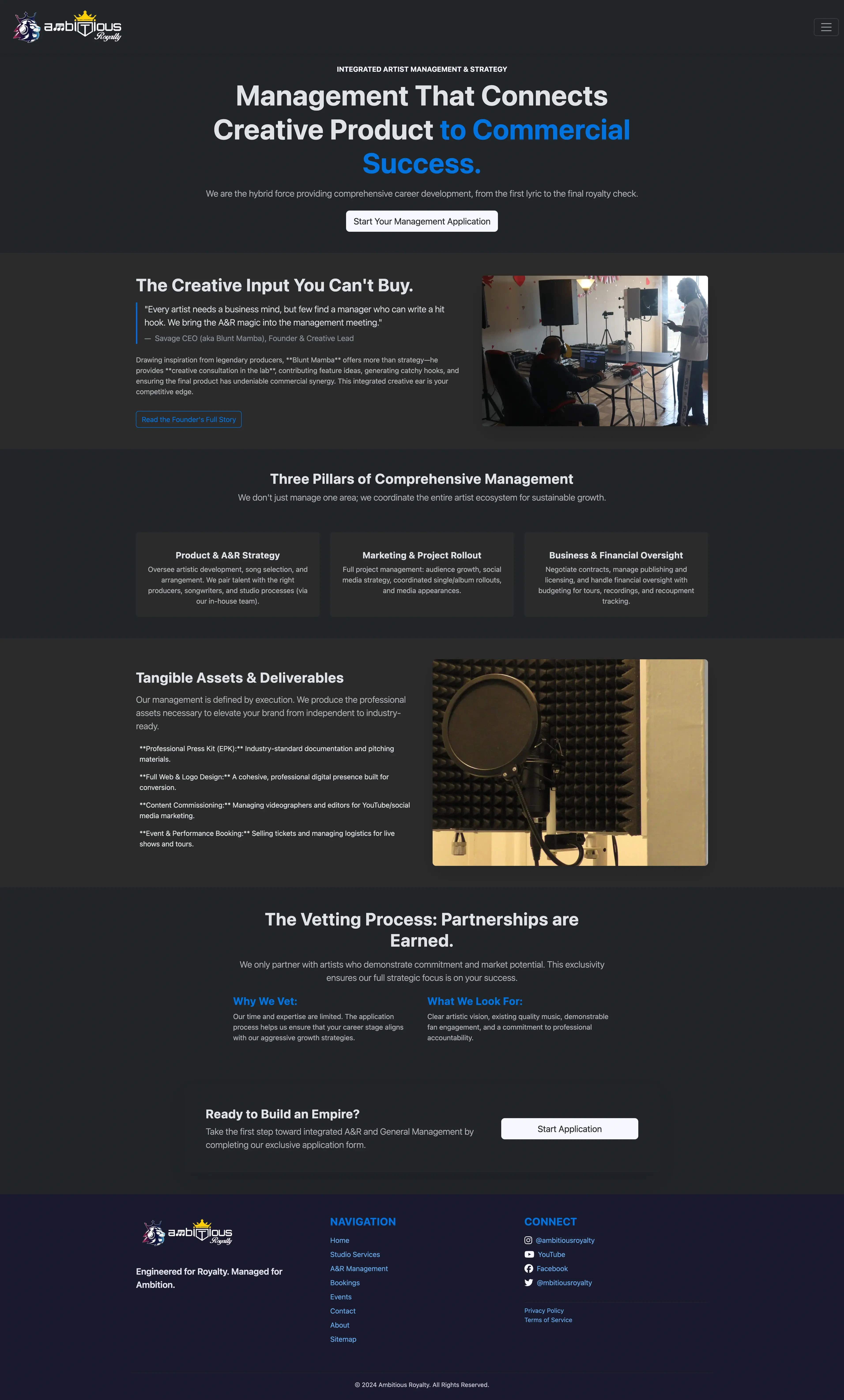
Services Overview
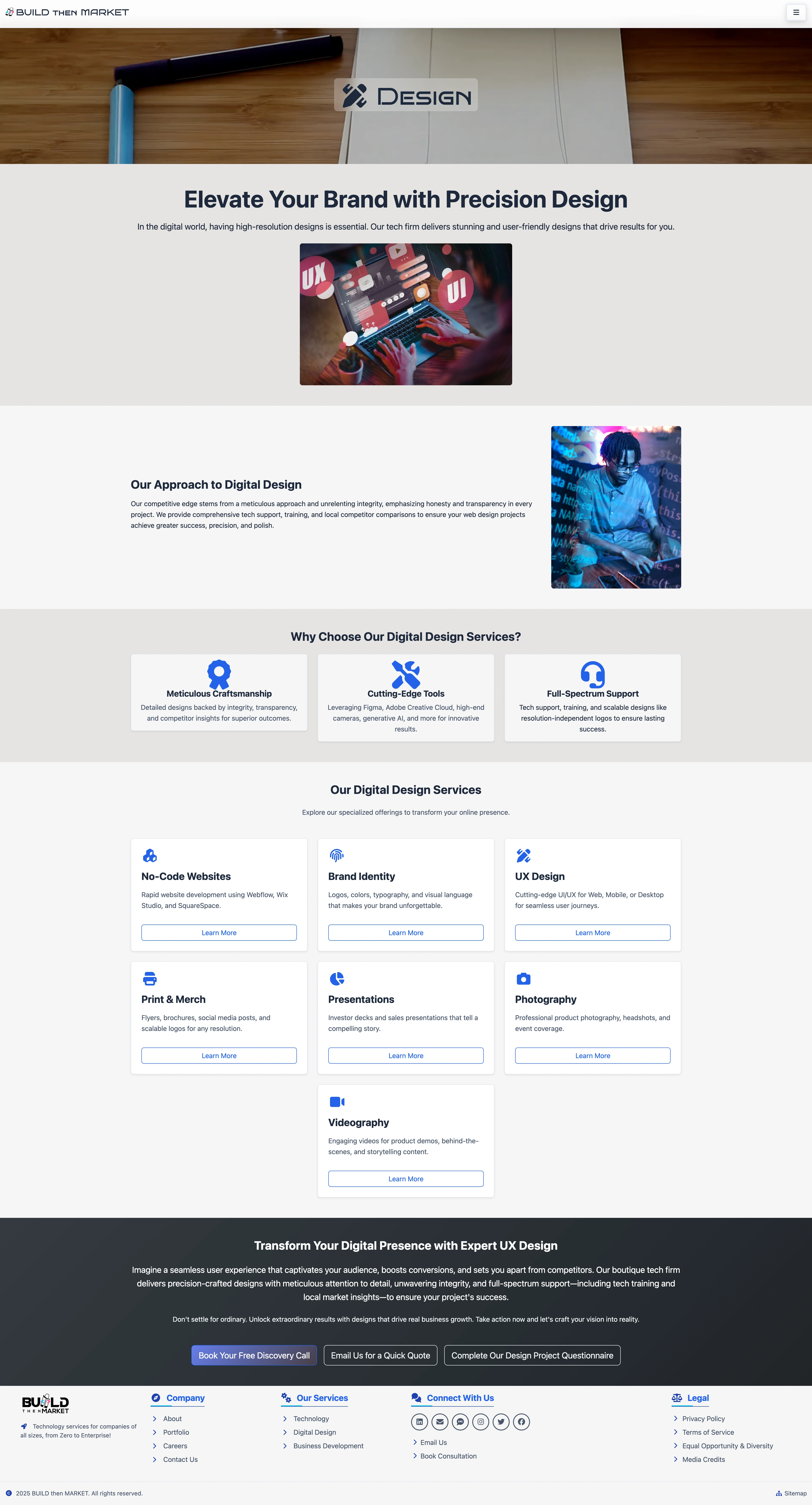
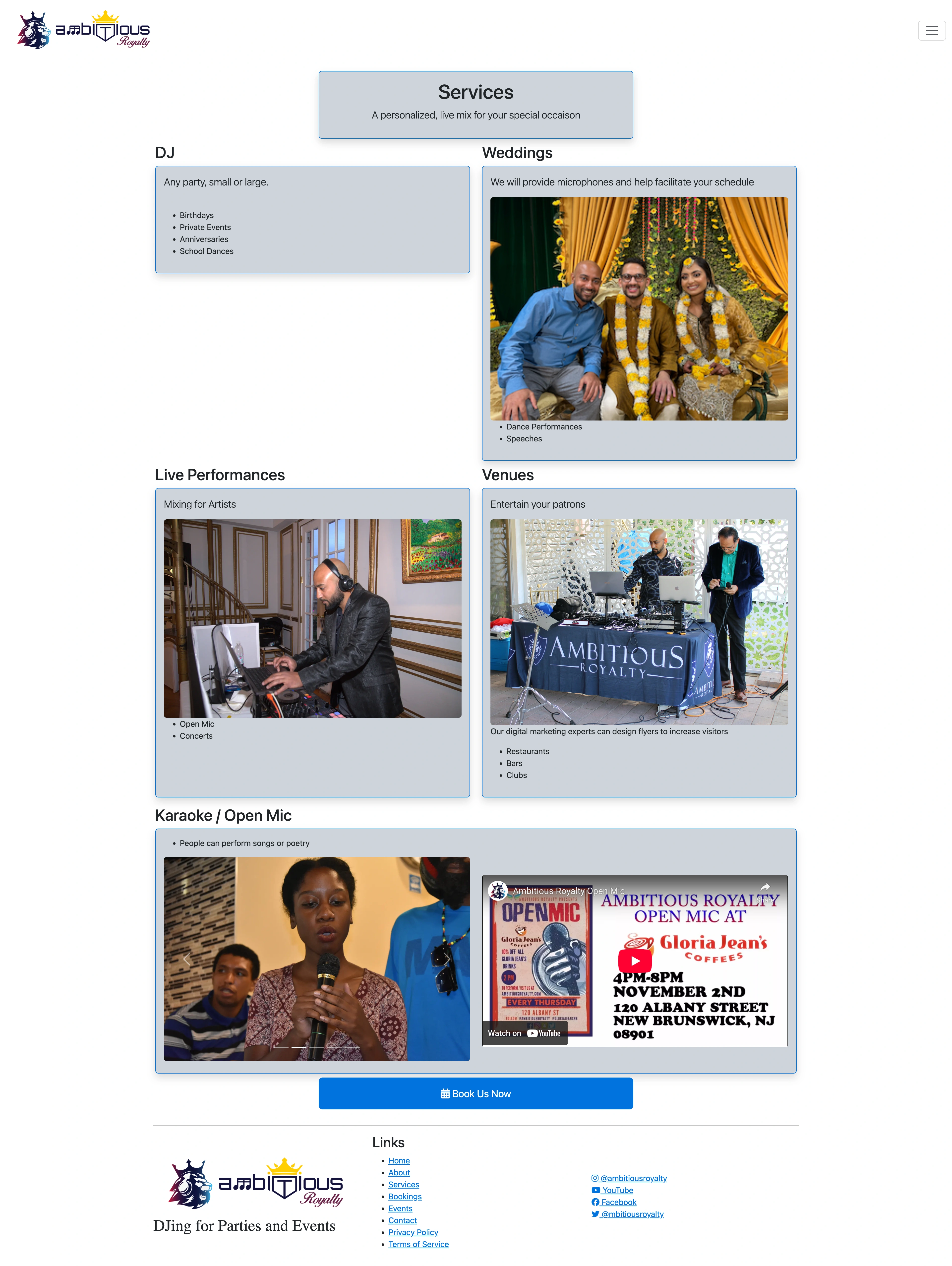
Service Presentations
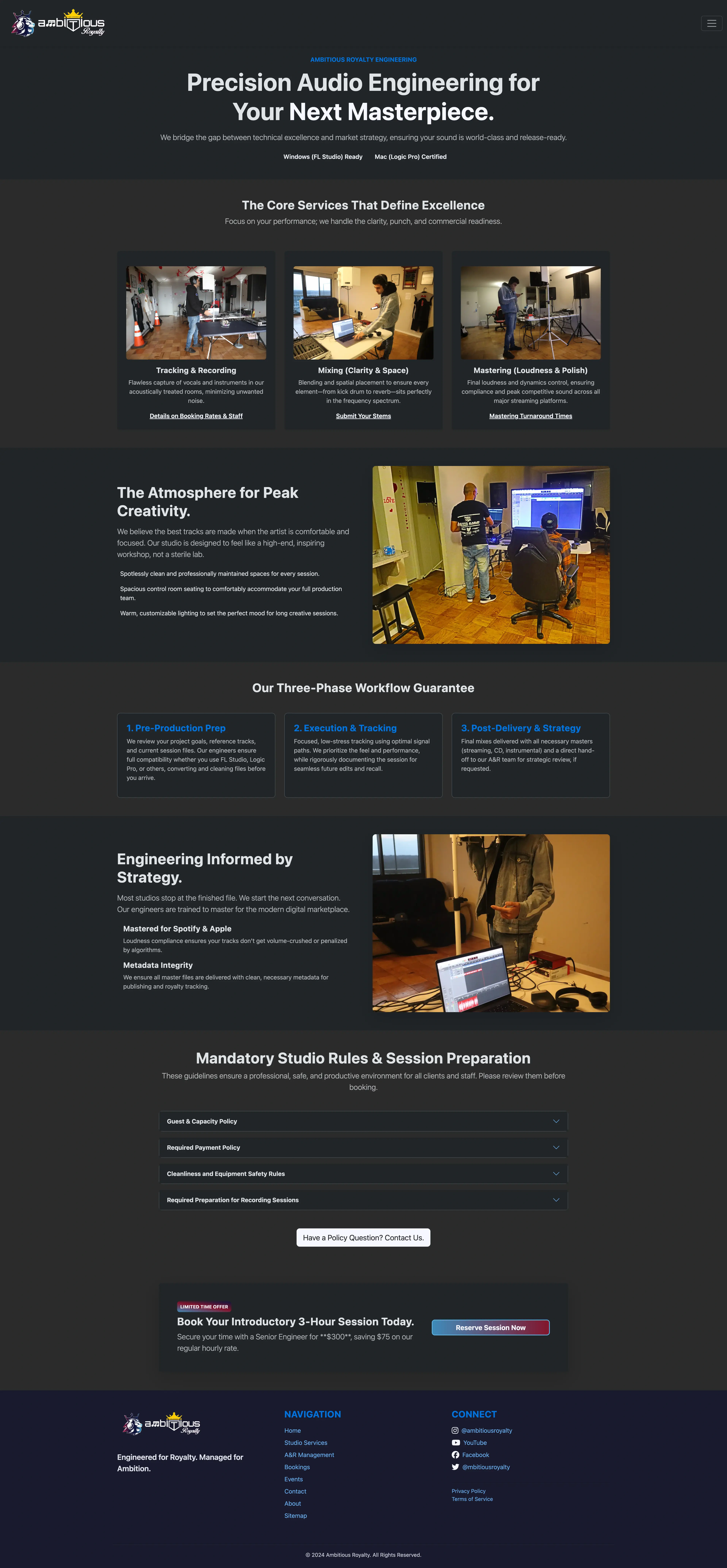
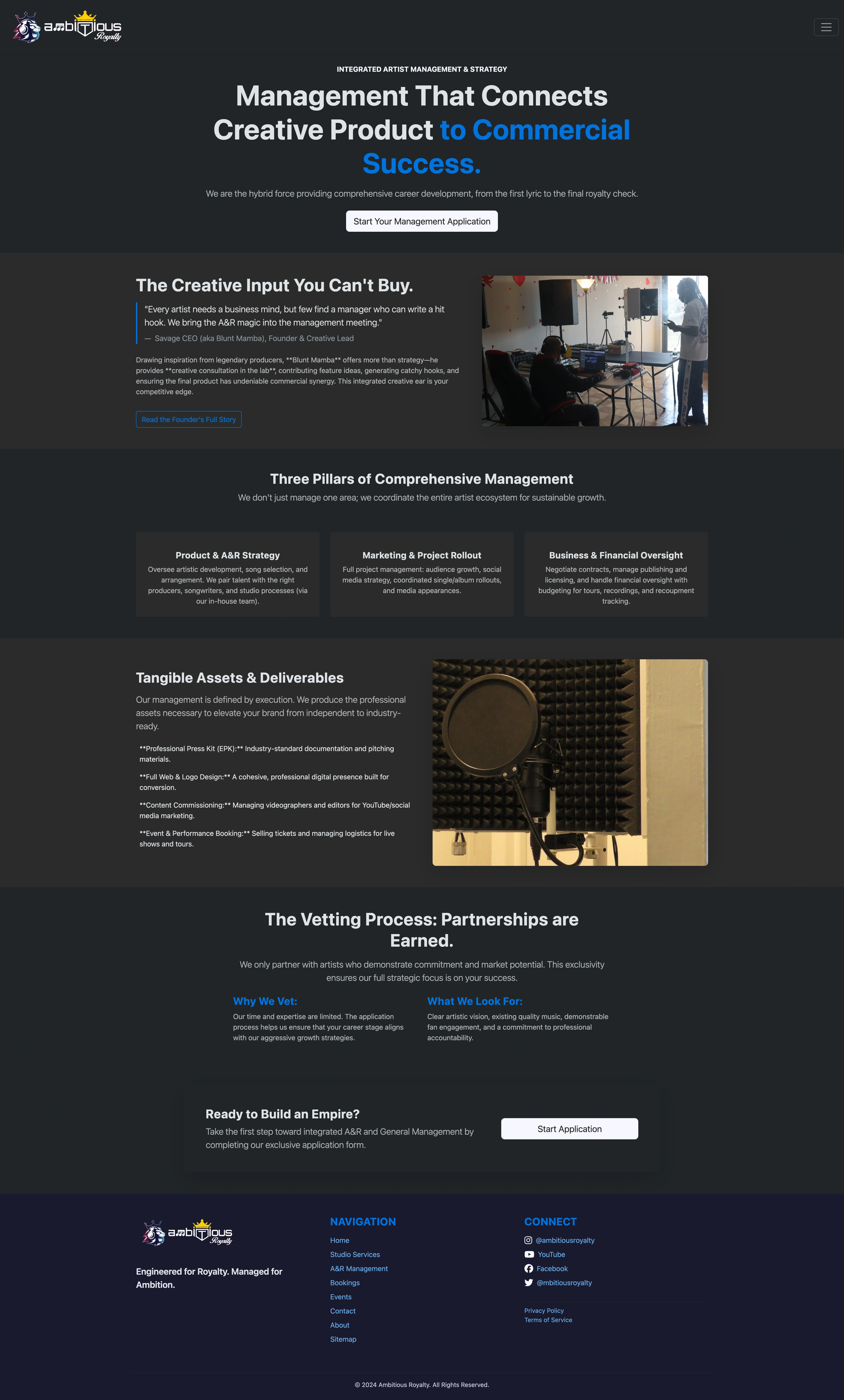
Service Providers
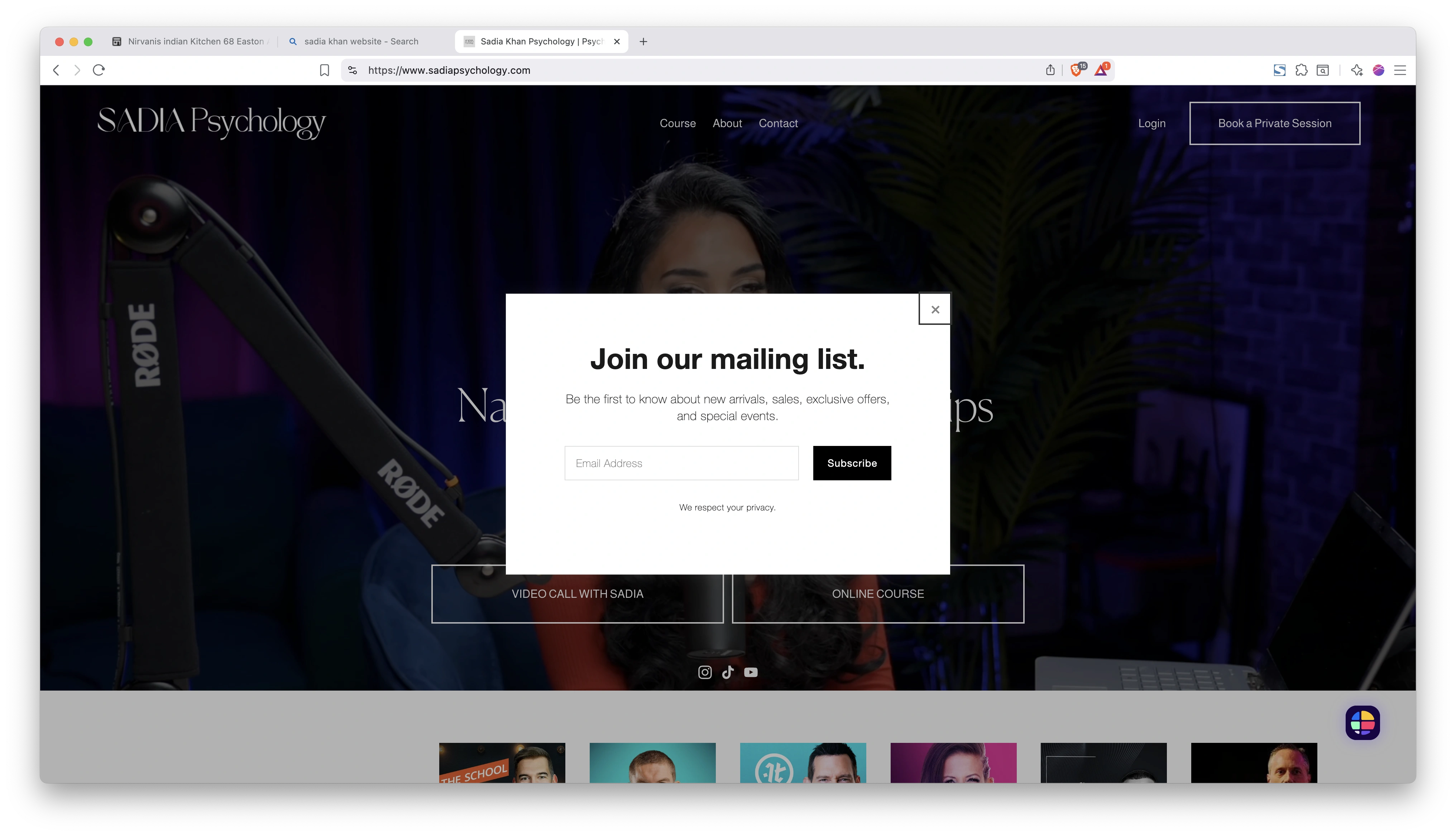
Email Marketing
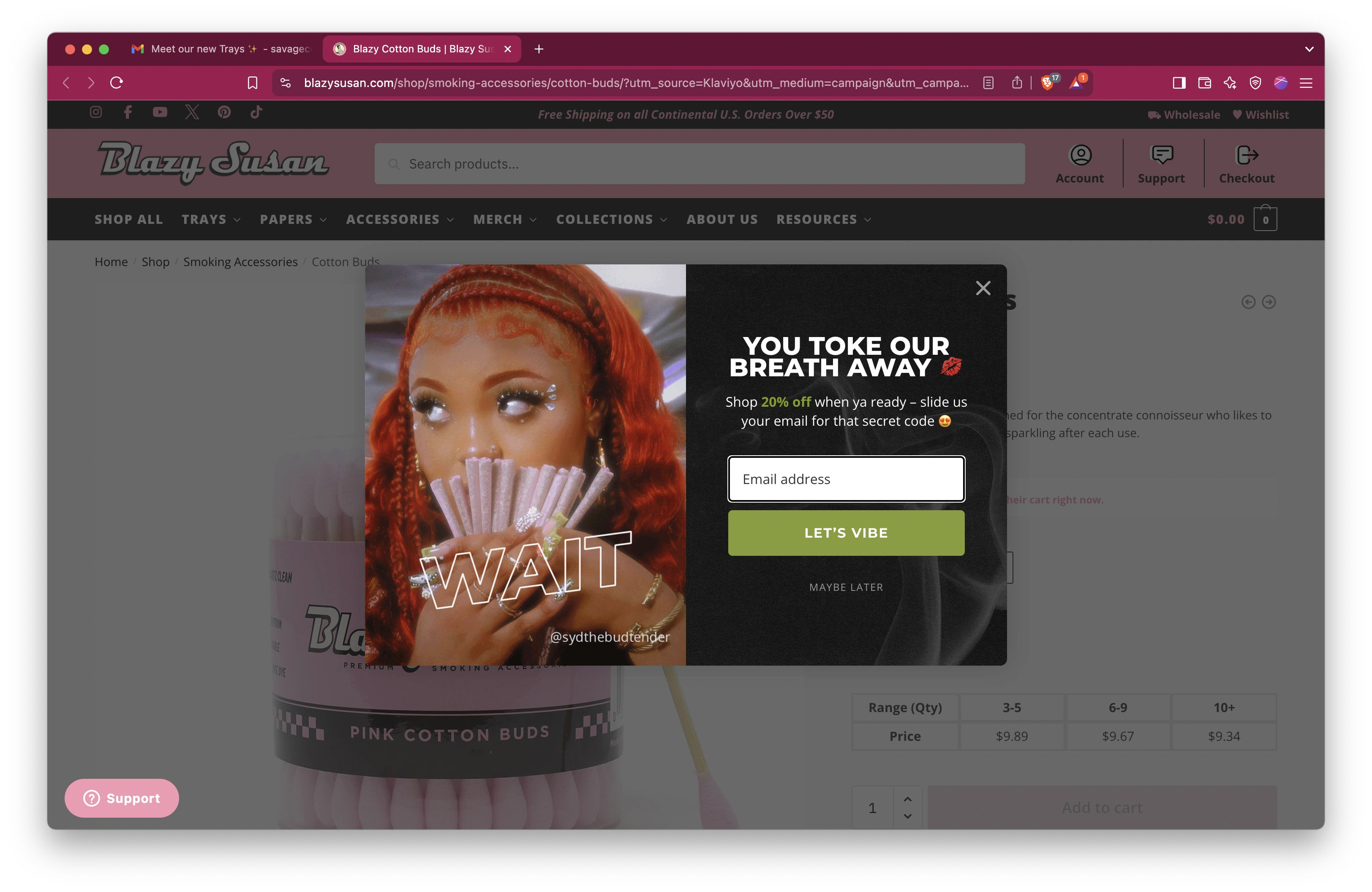
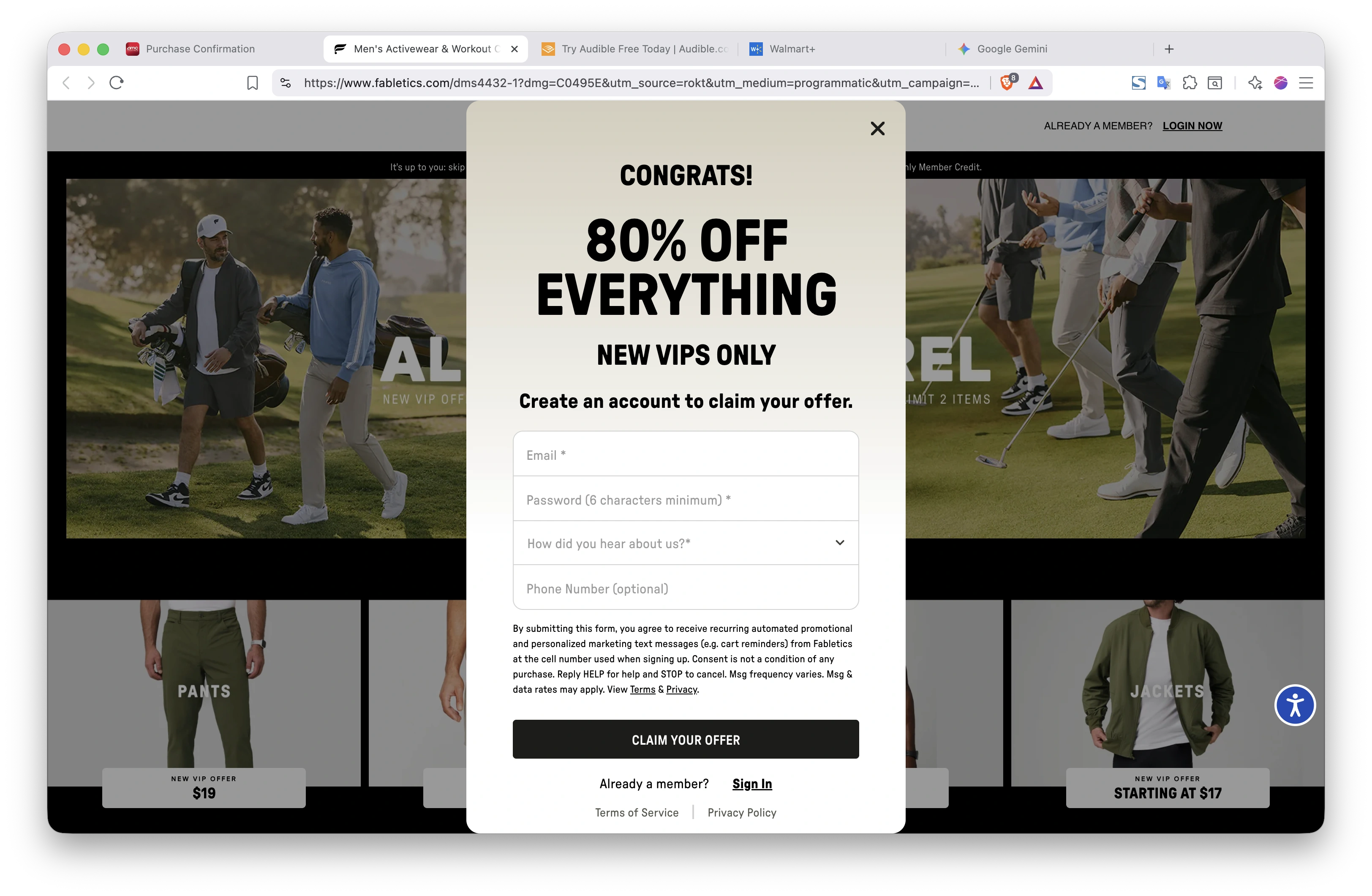
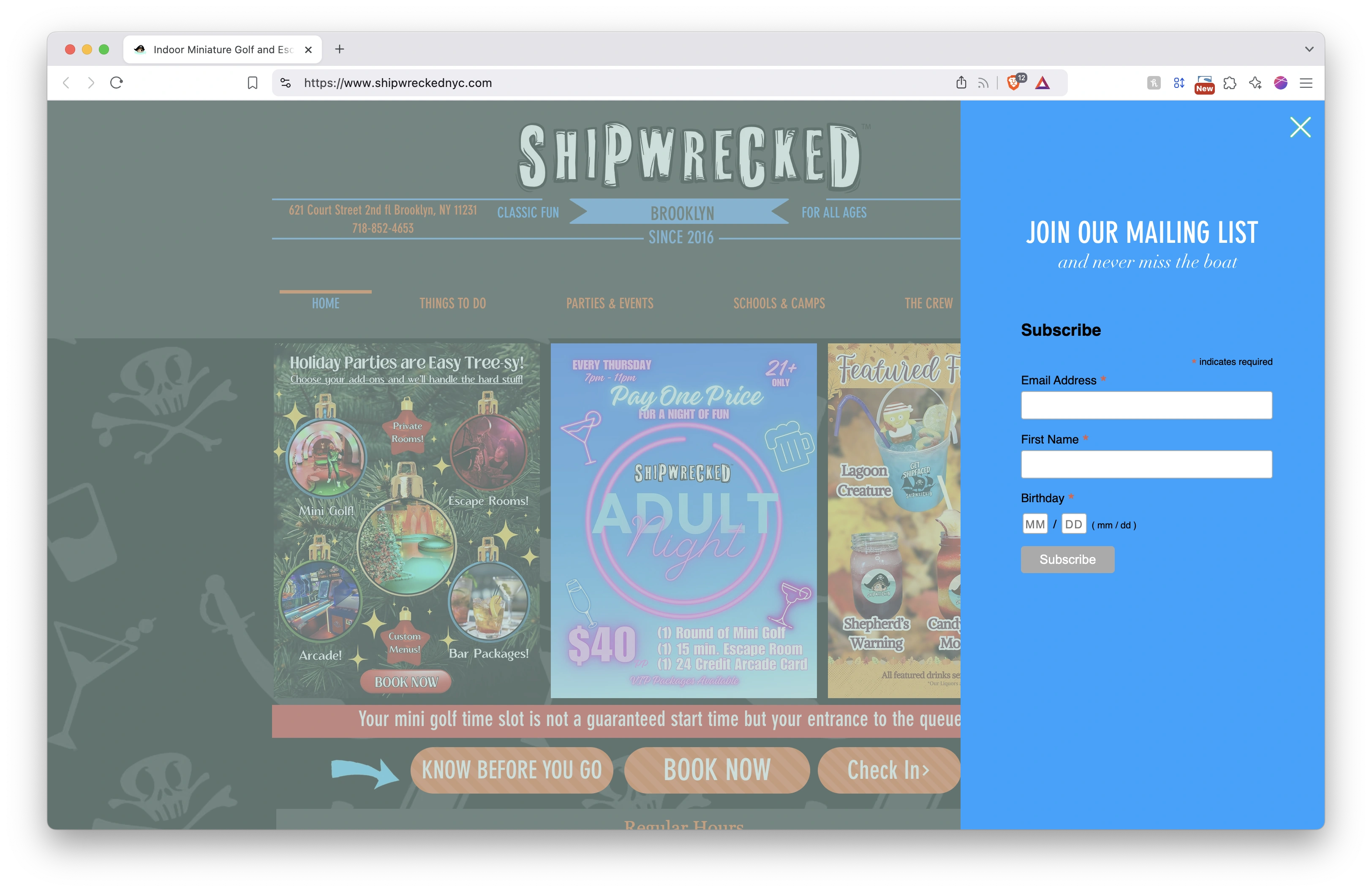
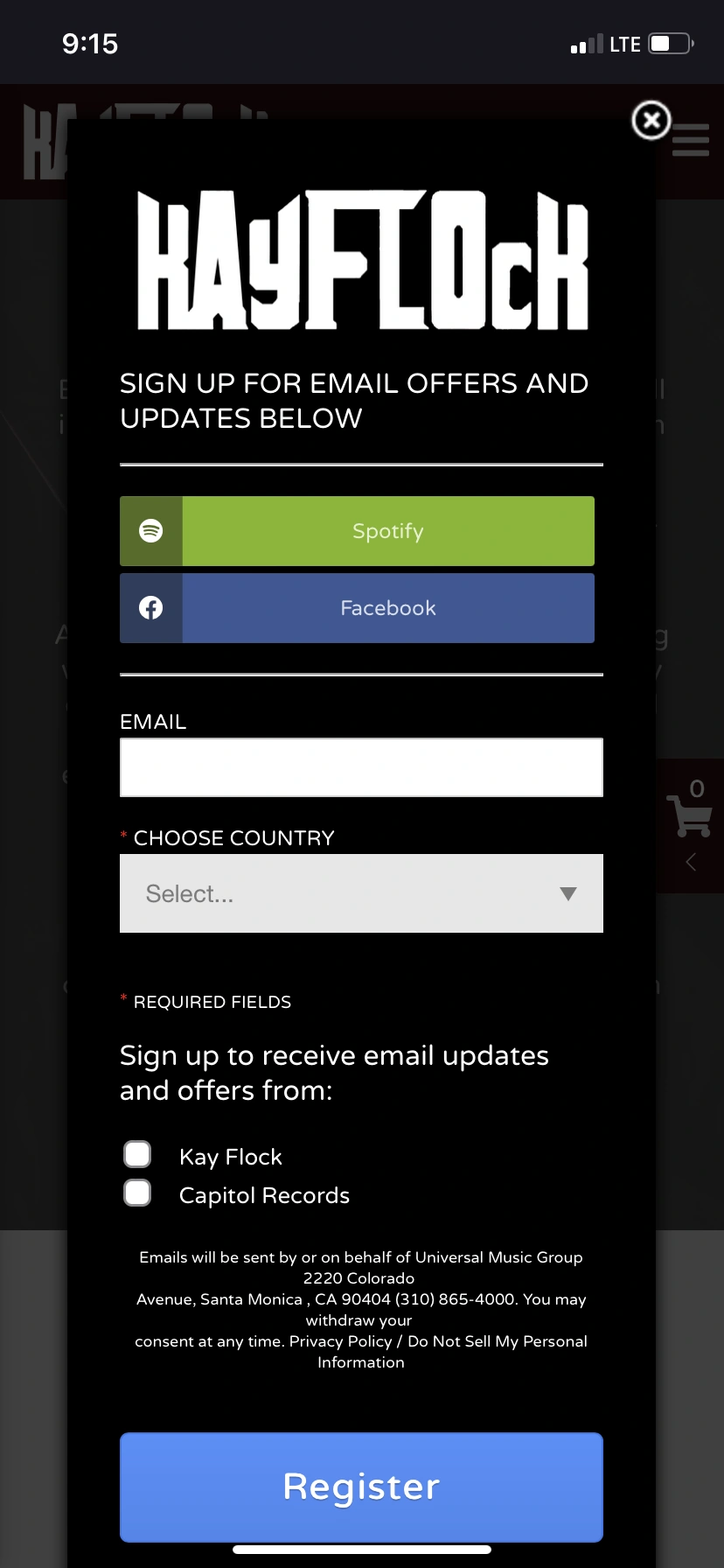
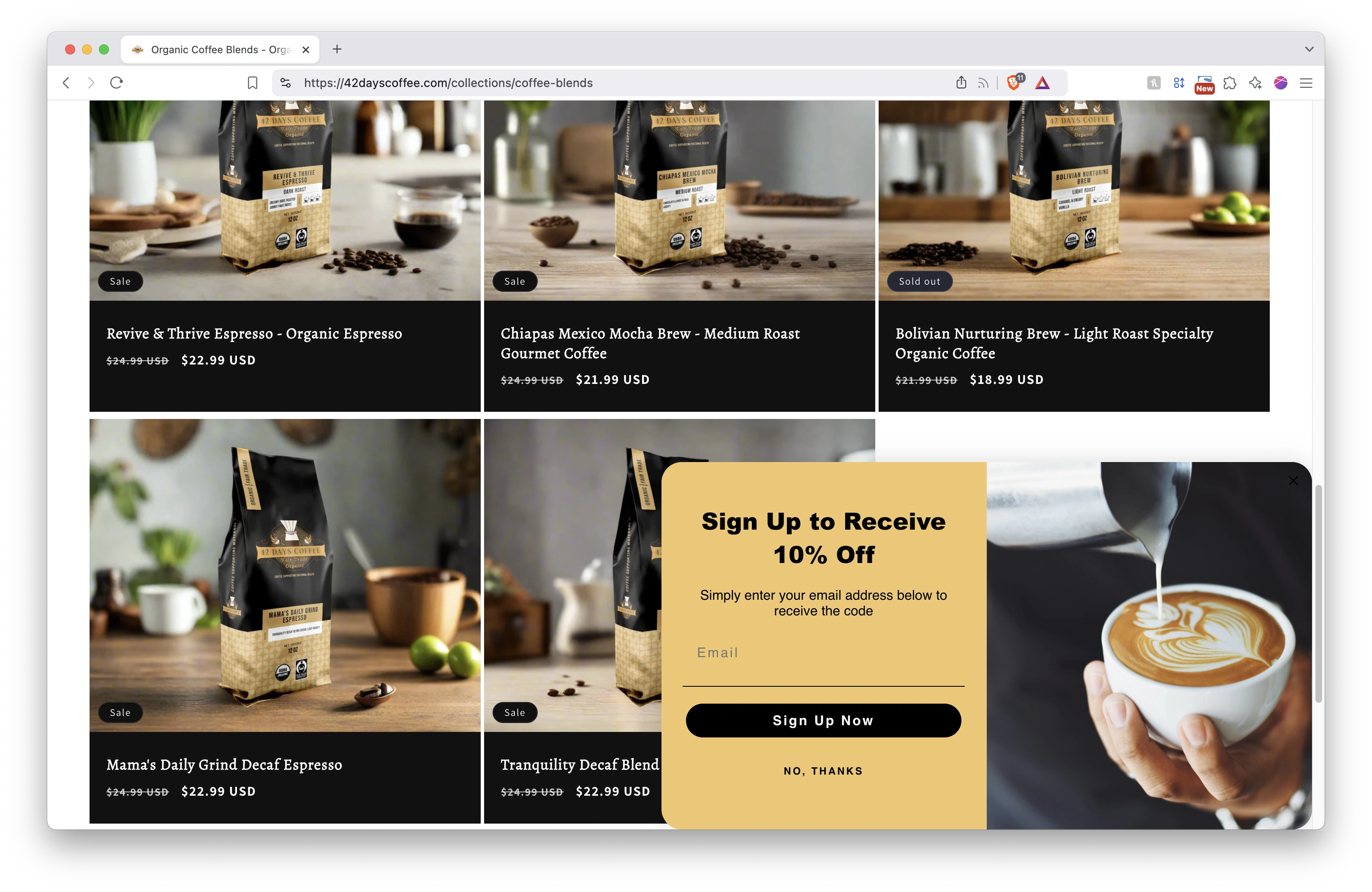
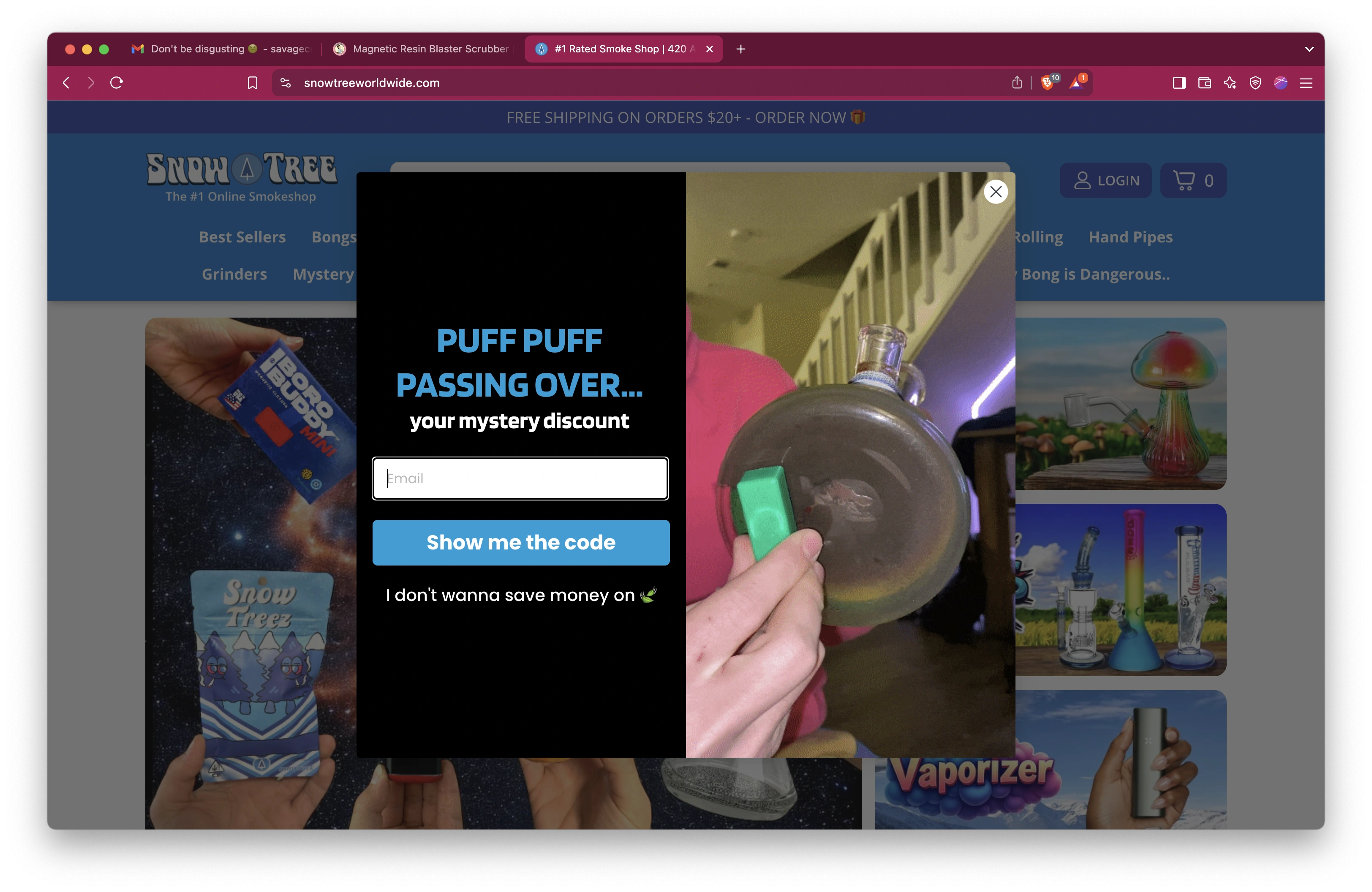
Email Sign-up Components
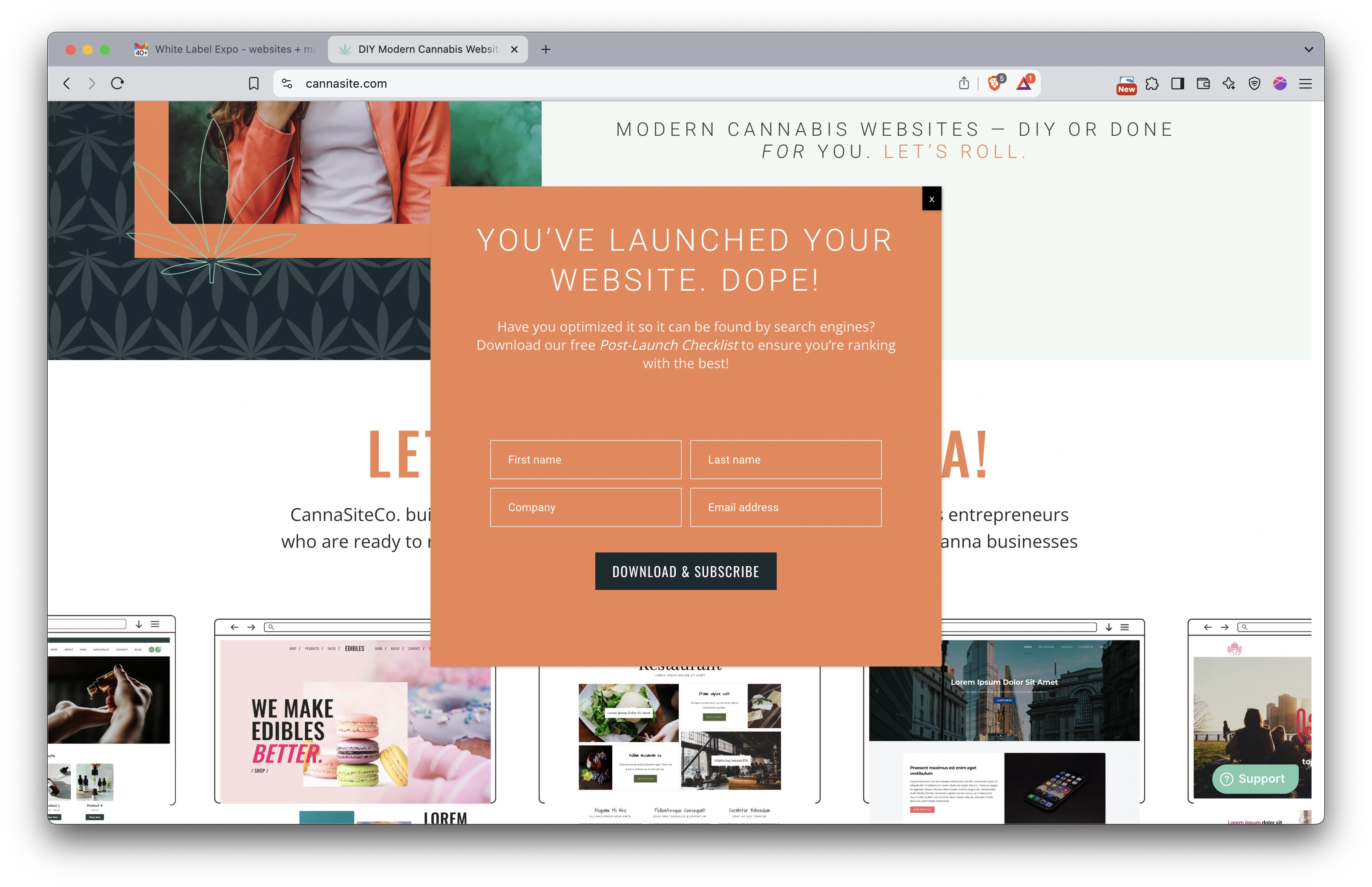
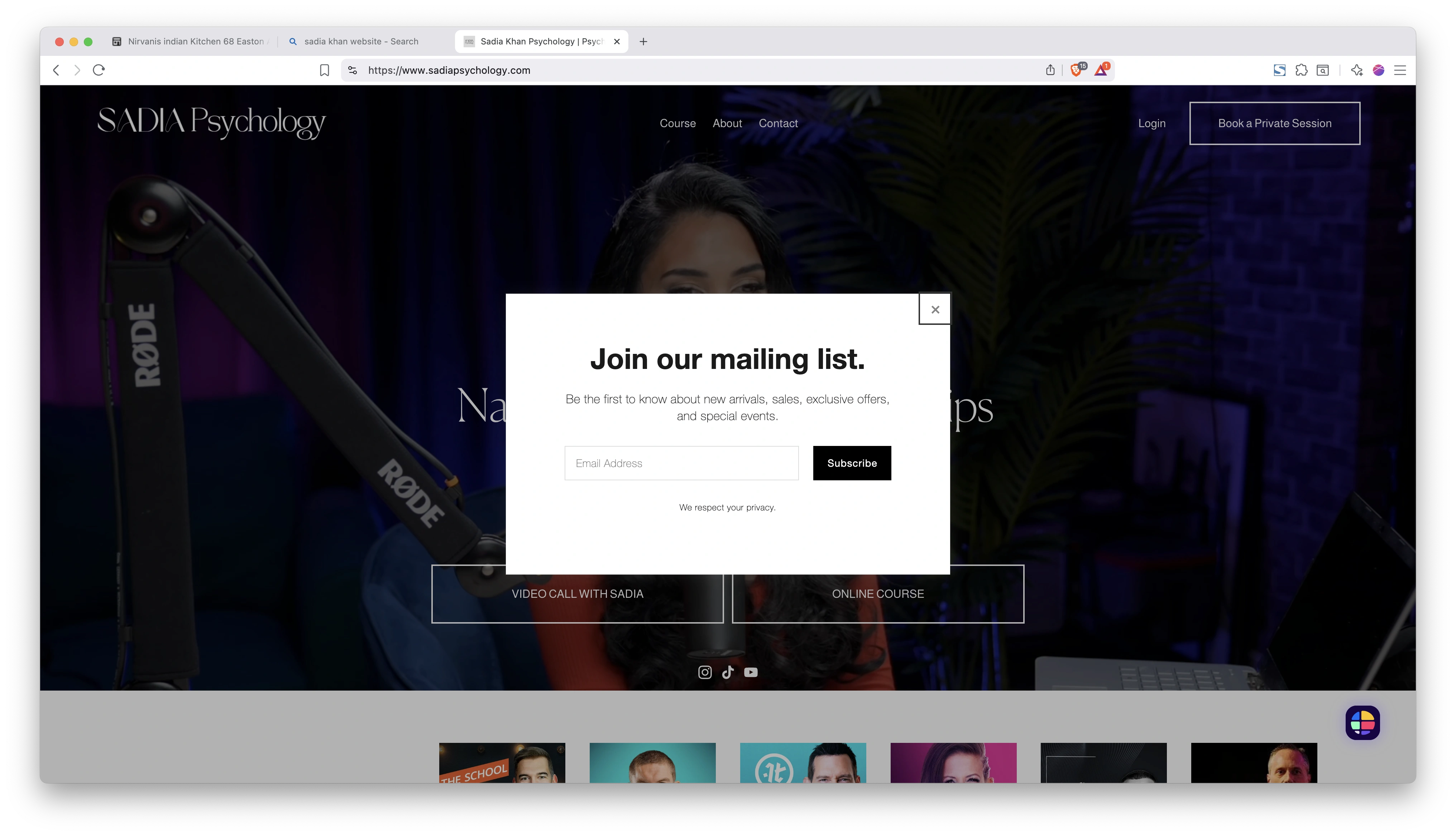
Free Trials & Promotions
Coming soon - trial signup and promotional components
Referral Programs
Coming soon - referral and rewards interfaces