UI Libraries
colors
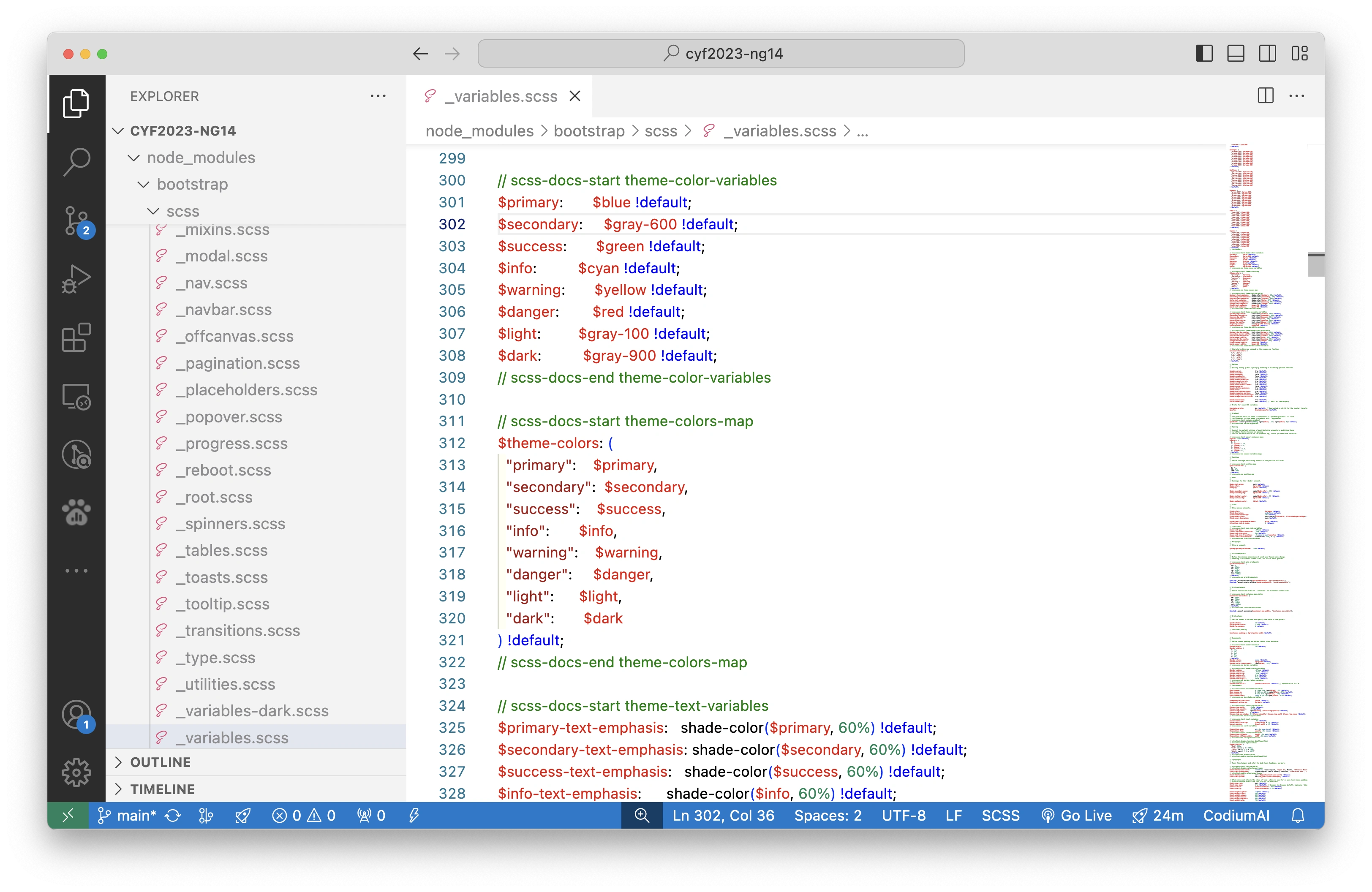
Tailwinds
2025
https://www.cosmic-ui.com/ https://github.com/rizkimuhammada/cosmic-ui
CSS Frameworks / UI Library
https://picnicss.com/documentation https://tachyons.io/ http://augmented-ui.com/
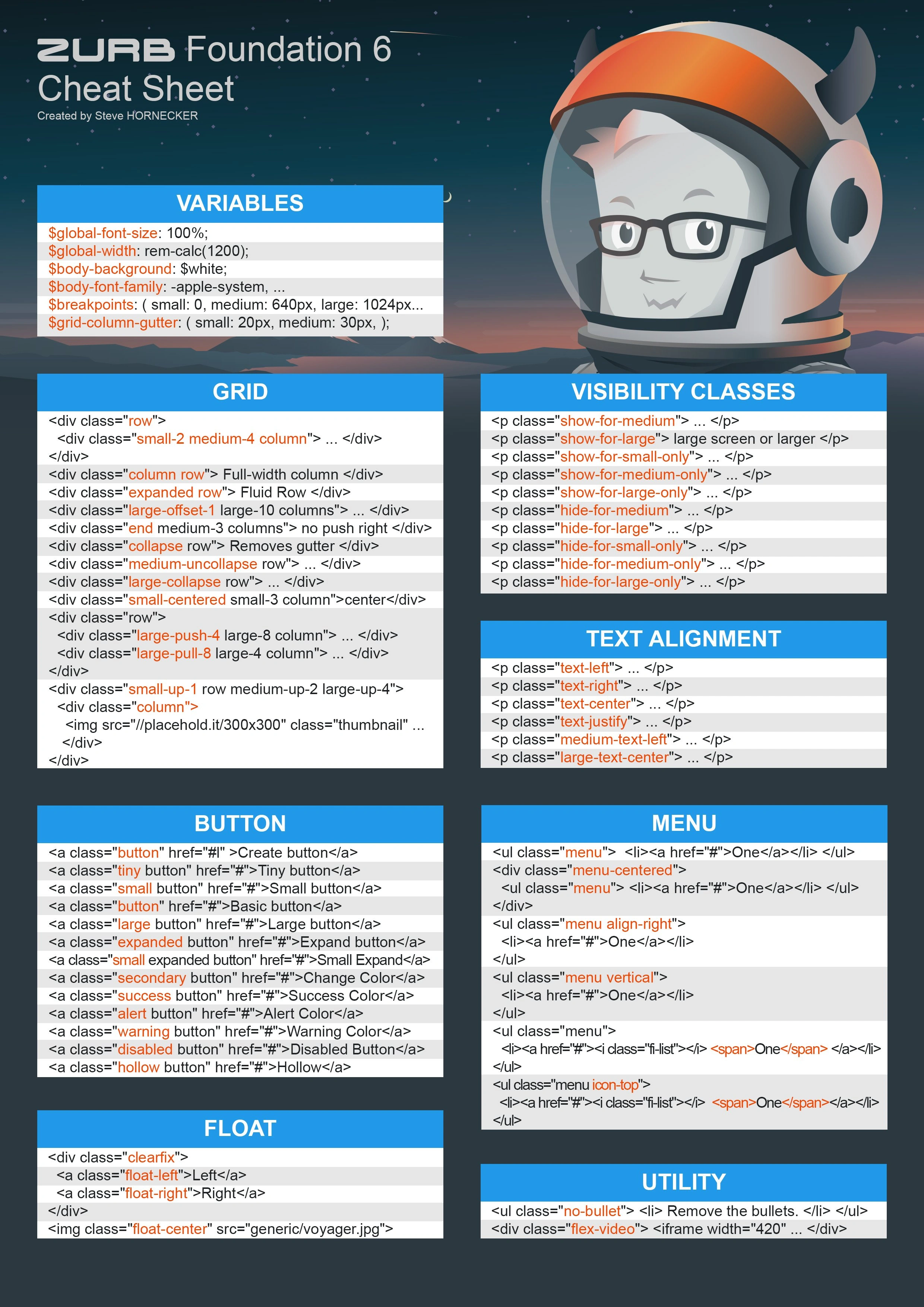
- https://magicui.engineering/design/ animated
- https://mojocss.com/
- https://park-ui.com/
- https://functional-ui-kit.com/
- https://matcha.mizu.sh/
- https://latex.vercel.app/
- https://cs16.samke.me/
Comparison of angular UI libraries
Here is the comparison between Angular Material and ng-bootstrap based on their popularity, activity, and general observations:
Angular Material
Popularity & Activity
- Stars: 24,660
- Forks: 6,806
- Open Issues: 2,083
- Last Update: 2 hours ago
- Homepage: Angular Material Official Site
- GitHub: Angular Material Repository
Pros
- Official Angular Integration: Developed by the Angular team, ensuring seamless integration with Angular projects.
- Material Design Compliance: Provides fully compliant Material Design components, ensuring consistency in UI/UX.
- Active Community: Large community and extensive documentation.
- Long-term Support: Backed by the Angular team, indicating strong long-term support.
Cons
- Limited Customization: Sticks strictly to Material Design principles, which can make customization challenging if you want to deviate from the design language.
- Learning Curve: Requires familiarity with Material Design for effective use.
ng-bootstrap
Popularity & Activity
- Stars: 8,244
- Forks: 1,561
- Open Issues: 410
- Last Update: 1 day ago
- Homepage: ng-bootstrap Official Site
- GitHub: ng-bootstrap Repository
Pros
- Bootstrap Integration: Provides Angular-powered components based on Bootstrap, making it an excellent choice for developers already familiar with Bootstrap.
- Lightweight: Focused on providing essential UI components without unnecessary overhead.
- Customizability: Allows customization within the Bootstrap framework.
Cons
- Limited Component Library: Compared to Angular Material, it has a narrower range of pre-built components.
- Third-Party Dependency: Relies on Bootstrap, which may limit flexibility when deviating from the Bootstrap ecosystem.
Comparison
| Feature | Angular Material | ng-bootstrap |
|---|---|---|
| Stars | 24,660 | 8,244 |
| Forks | 6,806 | 1,561 |
| Open Issues | 2,083 | 410 |
| Community Support | Larger, Angular-backed | Smaller but active |
| Components | Material Design-based components | Bootstrap-based components |
| Customization | Limited, strict Material Design | Flexible within Bootstrap |
| Long-term Support | Strong (backed by Angular team) | Promising but less guarantee |
PrimeNG
Popularity & Activity
- Stars: 11,414
- Forks: 4,816
- Open Issues: 712
- Last Update: 3 hours ago
- Homepage: PrimeNG Official Site
- GitHub: PrimeNG Repository
Pros
- Extensive Component Library: Offers a larger library of components compared to Angular Material, including advanced components like charts, data grids, and more.
- Customizability: More flexibility in design and theming.
- Wide Use Cases: Suitable for both simple and highly complex enterprise applications.
Cons
- Third-Party Dependency: Not officially tied to Angular, which may raise concerns about long-term alignment with Angular updates.
- Inconsistent Documentation: Some users report that the documentation can be confusing or incomplete.
Comparison
| Feature | Angular Material | PrimeNG |
|---|---|---|
| Stars | 24,660 | 11,414 |
| Forks | 6,806 | 4,816 |
| Open Issues | 2,083 | 712 |
| Community Support | Larger, Angular-backed | Smaller but active |
| Components | Focused on Material Design | Extensive and varied |
| Customizability | Limited | High |
| Long-term Support | Strong (backed by Angular team) | Promising but not guaranteed |
Conclusion
-
Choose ng-bootstrap if:
- You are already using Bootstrap or prefer its design language.
- You want a lightweight library focused on essential components.
-
Choose Angular Material if:
- You want a library that adheres strictly to Material Design.
- You need long-term support and stability backed by the Angular team.
- You are building applications where Material Design is a priority.
-
Choose PrimeNG if:
- You need a broader range of components for complex applications.
- Customizability and visual flexibility are important to your project.
- You don't mind relying on a third-party library for Angular UI.