UX design heuristics
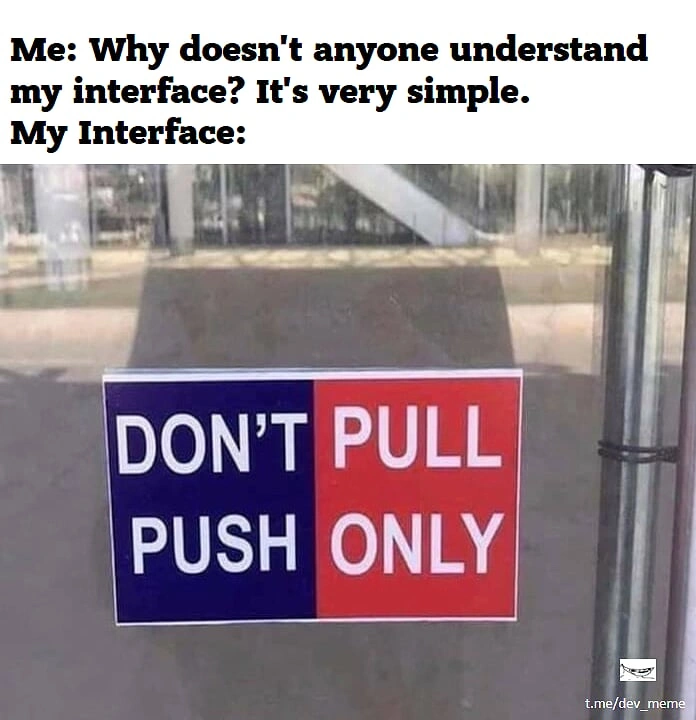
UX design heuristics are essential guidelines that help create user-friendly and effective interfaces for front-end web development. These principles, often based on Jakob Nielsen's 10 Usability Heuristics, provide a framework for evaluating and improving user experience. Here are some key UX design heuristics particularly relevant to front-end web development:
-
Visibility of System Status: Always keep users informed about what's happening through appropriate feedback within a reasonable time. For example, use loading indicators, progress bars, or status messages to show system processes.
-
Match Between System and the Real World: Use language and concepts familiar to the user rather than system-oriented terms. Follow real-world conventions, making information appear in a natural and logical order.
-
User Control and Freedom: Provide clearly marked "emergency exits" for users to leave unwanted states. Support undo and redo actions, and offer easy navigation back to a safe starting point.
-
Consistency and Standards: Follow platform and industry conventions. Use consistent language, layout, and design patterns throughout the application to avoid confusion.
-
Error Prevention: Design to prevent problems from occurring in the first place. Eliminate error-prone conditions or check for them and present users with a confirmation option before they commit to an action.
-
Recognition Rather Than Recall: Minimize the user's memory load by making objects, actions, and options visible. Instructions for use of the system should be visible or easily retrievable when appropriate.
-
Flexibility and Efficiency of Use: Provide accelerators (unseen by novice users) to speed up interactions for expert users. Allow users to tailor frequent actions, like customizable shortcuts or personalized dashboards.
-
Aesthetic and Minimalist Design: Keep interfaces simple and avoid unnecessary elements. Every extra unit of information competes with relevant units and diminishes their relative visibility.
-
Help Users Recognize, Diagnose, and Recover from Errors: Express error messages in plain language, precisely indicate the problem, and constructively suggest a solution.
-
Help and Documentation: While it's better if the system can be used without documentation, it may be necessary to provide help. Ensure that help information is easy to search, focused on the user's task, and not too lengthy.
-
Responsive Design: Ensure that the web application is usable across various devices and screen sizes, providing a consistent experience.
-
Accessibility: Design with accessibility in mind, ensuring that the application is usable by people with diverse abilities. This includes proper use of ARIA attributes, keyboard navigation, and color contrast.
-
Performance Optimization: Optimize load times and responsiveness. A fast, smooth user interface greatly enhances the overall user experience.
-
Intuitive Navigation: Design clear, logical navigation structures that help users understand where they are and how to get where they want to go.
-
Feedback and Affordance: Provide clear visual feedback for interactive elements. Use hover states, active states, and animations to indicate clickable or interactive areas.
When implementing these heuristics, it's important to conduct regular usability testing and gather user feedback to continually improve the user experience. Remember that while these heuristics provide a solid foundation, they should be adapted to the specific context and needs of your project and target users.
Heuristic Evaluation
A heuristic evaluation is a usability inspection method used in UX design. It involves a group of evaluators analyzing a user interface against a set of established usability principles, or heuristics. Heuristics are broad rules of thumb that help evaluators identify potential usability issues.
The evaluators work through the user interface, noting any issues or violations of the heuristics. They then prioritize these issues based on the severity and impact they have on the user's experience. The goal of a heuristic evaluation is to identify as many usability issues as possible, to help designers improve the user experience of the product.
-
Visibility of system status: The system should always keep users informed about what is going on, through appropriate feedback within a reasonable amount of time.
-
Consistency and standards: The system should follow familiar conventions and standards to help users understand how to use it.
-
User control and freedom: The system should give users the ability to undo and redo actions, and to easily exit any unwanted states.
-
Error prevention: The system should prevent errors from occurring in the first place, through clear and concise instructions and feedback.
-
Flexibility and efficiency of use: The system should provide shortcuts and other methods of speeding up tasks for experienced users.
Heuristic evaluations can be conducted at any stage of the design process, and are often used in conjunction with other usability testing methods to identify and address usability issues before a product is released to users. They are a quick and cost-effective way to identify potential usability issues, and can be conducted by a small group of evaluators without the need for a large user sample.
However, it is important to note that heuristic evaluations are not a replacement for user testing, as they cannot provide insight into how real users interact with a product. Instead, they are used to identify potential issues to be addressed in subsequent user testing and design iterations. Additionally, it is important to use established and relevant heuristics, as using irrelevant or outdated heuristics may lead to inaccurate evaluations and recommendations.
cognitive heurisitcs (nudges)
-
attention span (8 seconds)
-
infinite scroll > keeps you hunting for something to engage with