UX Writing
UX writing, also known as user experience writing, is the practice of creating the text that appears in digital products such as websites, apps, and software interfaces. The goal of UX writing is to provide the user with clear, concise, and helpful messaging that guides them through the product and helps them complete tasks or achieve their goals.
UX writers are responsible for crafting everything from button labels and error messages to onboarding flows and user manuals. They work closely with designers, product managers, and developers to ensure that the messaging in the product is consistent with the overall user experience. Good UX writing takes into account the user's needs, emotions, and behaviors, and uses language that is easy to understand and accessible to a wide range of users.
Five Common Mistakes in UX Writing
The first mistake is using jargon and technical language that users may not understand. The article suggests using plain language and avoiding industry-specific terms.
The second mistake is providing too much information at once, which can overwhelm users. The article recommends breaking up information into manageable chunks and using progressive disclosure to reveal information as needed.
The third mistake is using negative language, such as error messages that blame the user. The article suggests using positive language and providing solutions rather than just pointing out the problem.
The fourth mistake is not considering the context in which the messaging will be displayed. The article recommends considering factors such as the user's emotional state, the device they are using, and the stage of the user journey.
The fifth mistake is not testing the messaging with users to ensure it is clear and effective. The article suggests conducting user testing and iterating on messaging based on feedback.
Overall, the article emphasizes the importance of clear and concise messaging in UX writing and provides practical tips for avoiding common mistakes.
CTA Button copy
UX Writing Example > Tactfully referring a lead to a partner
DOs
- acknowledege the prospect has options from many different competitors of yours
- we make it easy to compare our quotes or prices
- we'll help you get a good fit for your budget, even if it's not us
- our partners/affiliates are trusted and experienced
Donts
- apologizing
- shaming
- guarantees of better pricing
- outright telling them off, that we aren't a right fit for them
- inferring that we are more expensive, and our partners are cheaper
Use your and my when possible to make buttons compelling and add warmth
Button copy should be action-oriented and begin with a verb. Use exciting verbs like "Get", "File", "Track", and try to avoid boring words like "Submit" and "Enter."
Button copy should also clearly tell users what will happen next. Most of the time, this means pairing a verb with a noun, e.g., "File my claim."
| table | examples |
|---|---|
| DO | DON'T |
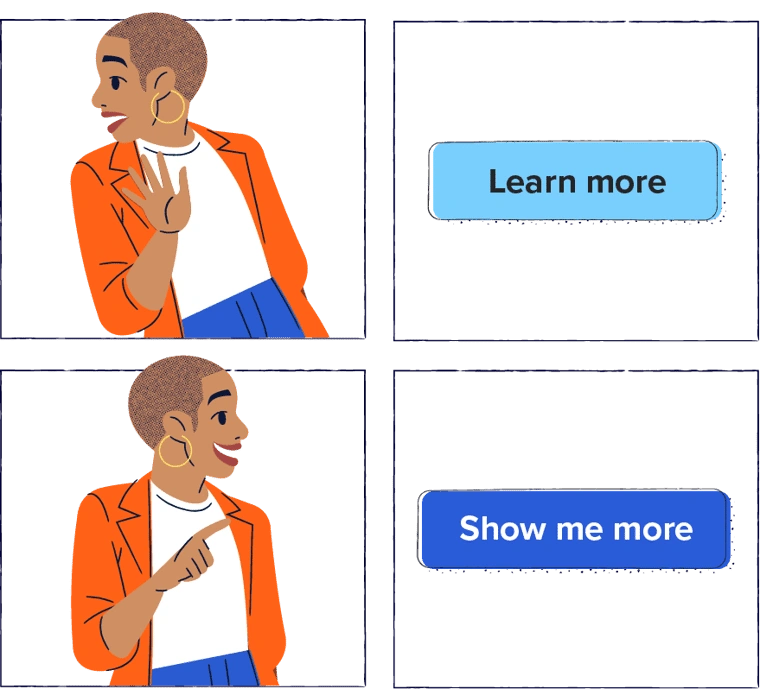
Want someone to take an action? Actions = verbs, so use them!
Instead of sharing a link that says “Free Tickets,” you might say “Claim your free tickets.” Simple as it sounds, it’s something many brands overlook.