Functions
Concepts
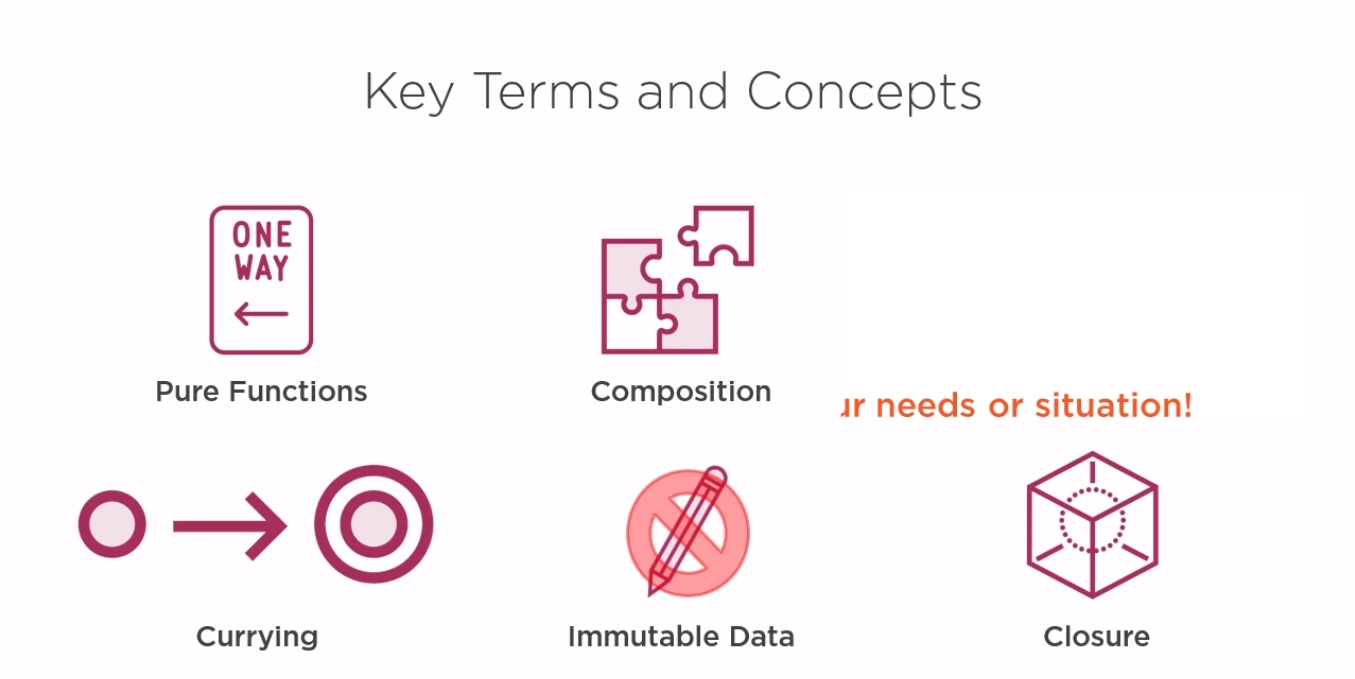
-
Pure Functions
-
Composition
-
Immutability
-
Closure
-
Recursion
-
List Transformation (map)
-
List Exclusion (filter)
-
List Composition (reduce)
-
List Iteration (forEach)
Method Types
The keywords public, private, protected and (protected) internal, are called access modifiers and determine who can access a given class and/or its members, which helps in encapsulation and abstraction.
The storage modifier (thanks AVD) static defines a static method, property or class, const creates a constant and void indicates a return type of 'nothing'.
While developing, it's normal you start with a private void DoSomething(), and only if you can and need to access the method externally, you increase the accessibility. If you expect it to be overridden in the same namespace, you use protected. If you're writing a library to be used by another application (in a different namespace), you mark it public
[access modifier?] [static?] [return type or void] [name] ([parameters?]) There's a few extra bits and pieces but that's your start.
Access Modifiers
Some of those are access modifiers which control which classes have access (can call) whatever you've put the modifier on.
// Anyone can call me
public int SomeMethod() { return 1; }

// Only classes in the same assembly (project) can call me
internal int SomeMethod() { return 1; }

// I can only be called from within the same class
private int SomeMethod() { return 1; }

// I can only be called from within the same class, or child classes
protected int SomeMethod() { return 1; }
Static
Static means that the method/variable is shared by all instances of the class. It can be combined with an access modifier from above.
public class Test
{
  static int a = 0;
  public int SomeMethod() { a = a + 1; return a; }
}

Test t1 = new Test();
t1.SomeMethod(); // a is now 1
Test t2 = new Test();
t2.SomeMethod(); // a is now 2

// If 'a' wasn't static, each Test instance would have its own 'a'
Void
void just means that you have a method that doesn't return anything:
public void SomeMethod()
{
  /* I don't need to return anything */
}
const
const means that the variable cannot be modified:
const int LIFE = 42;
// You can't go LIFE = 43 now
Syntax
- Accessibility
- Modifiers
- Return Type
- Name
- Parameters
Functional Programming Functional Programming Paradigm - Purity, statelessness, immutability, declarative programming, and higher-order functions.
- Core functionality is implemented using pure functions without side effects
- data is immutable (Functional programming emphasizes immutability.)
- functional programs are stateless
- imperative container code manages side effects and executes declarative, pure core code
- Default Parameter Values
- Function Composition
The nature of JavaScript functions as first-class objects make them prime for facilitating functional programming.
In JavaScript, functions are objects
You can package statements into a function, which won’t be executed until the browser encounters a statement that invokes the function
JavaScript has 6 distinct types of functions
- Normal functions
function() {} - Arrow functions
() => {} - Async functions
async function() {} - Async arrow functions
async () => {} - Generator functions
function*() {} - Async generator functions
async function*() {}
First Class Functions
- JavaScript treats functions as first-class citizens, meaning you can pass functions as parameters to other functions just like you would any other variable.
function Bird() {
  this.name = "Albert";
  this.color = "blue";
  this.numLegs = 2;
}
functions are either named or anonymous
Encapsulation
- Closures
- Constructors
- in some cases Anonymous Functions
Scoping Methods
- function scopes
- encapsulation
var method = {
getRhymes : function search(query) {
return resultSet;
}
var x = method.getRhymes(query) //works
var y = method.search(query) //not valid
Callable Behaviors
functions with ()
- executing
Implemented as objects
Arguments
functions without ()
- referencing
Calling:
- onClick() – executes the function and returns the value.
- onClick – references the function.
In JavaScript, function declarations are always moved (“hoisted“) to the top of their scope at runtime. This means that the function does not need to be declared before it is used.
So something like this is valid:
onClick(“OK”);
function onClick(buttonName) {
    return “Clicked: ” + buttonName;
}
First Class Functions - When functions are treated like a variable that can be passed as an argument to other functions and assigned to a variable
IIFE / self invoking function (iffy)
- immediately invoked function expression
- OR self-invoking function
** ( ** function () { .... } () ** ) ** ; OR ** ( ** function () { .... } ** ) ** ();
Variadic Functions - Variadic Functions can accept any number of arguments
Named Parameter
- Using named parameters for optional settings makes it easier to understand how a function should be invoked.
- omitting optional arguments is okay
function setPageThread(name { popular, expires, activeClass }) {

}
Setting a Default for Named Parameters
function setPageThread(name, { popular, expires, activeClass } = {}) {

}
Function Declaration
function name (list, of, parameters) { block_of_code }
- starts with function
- JS object created with same name as function name
- parsed and executed before any other expressions
- A Function Declaration is usable in the whole script/code block. Hoisting refers to the availability of functions and variables “at the top” of your code.
- loaded in-memory, and held in-memory when the program is ran
- In other words, when JavaScript prepares to run the script or a code block, it first looks for Function Declarations in it and creates the functions. We can think of it as an “initialization stage”.
- And after all of the Function Declarations are processed, the execution goes on.
- As a result, a function declared as a Function Declaration can be called earlier than it is defined.
function getAvengers() {
  // implementation details go here
}
super
Use the super() function to call the constructor of the parent class and access functions on an object's parent class.
The super keyword is used in two ways because of the following reasons: In line 23, the super keyword is used as a “function” which calls the parent class Animal with the parameters passed to Gorilla. This is a key step to be carried out in order to make sure that Gorilla is an instance of Animal. In line numbers 35 and 39, super is used as an “object” which refers to an Animal instance (parent class). The super keyword here is used to call the methods of the parent class Animal explicitly.
Pure Functions
A pure function is a function which:
- Given the same input, will always return the same output.
- Produces no side effects.
A dead giveaway that a function is impure is if it makes sense to call it without using its return value. For pure functions, that’s a noop.
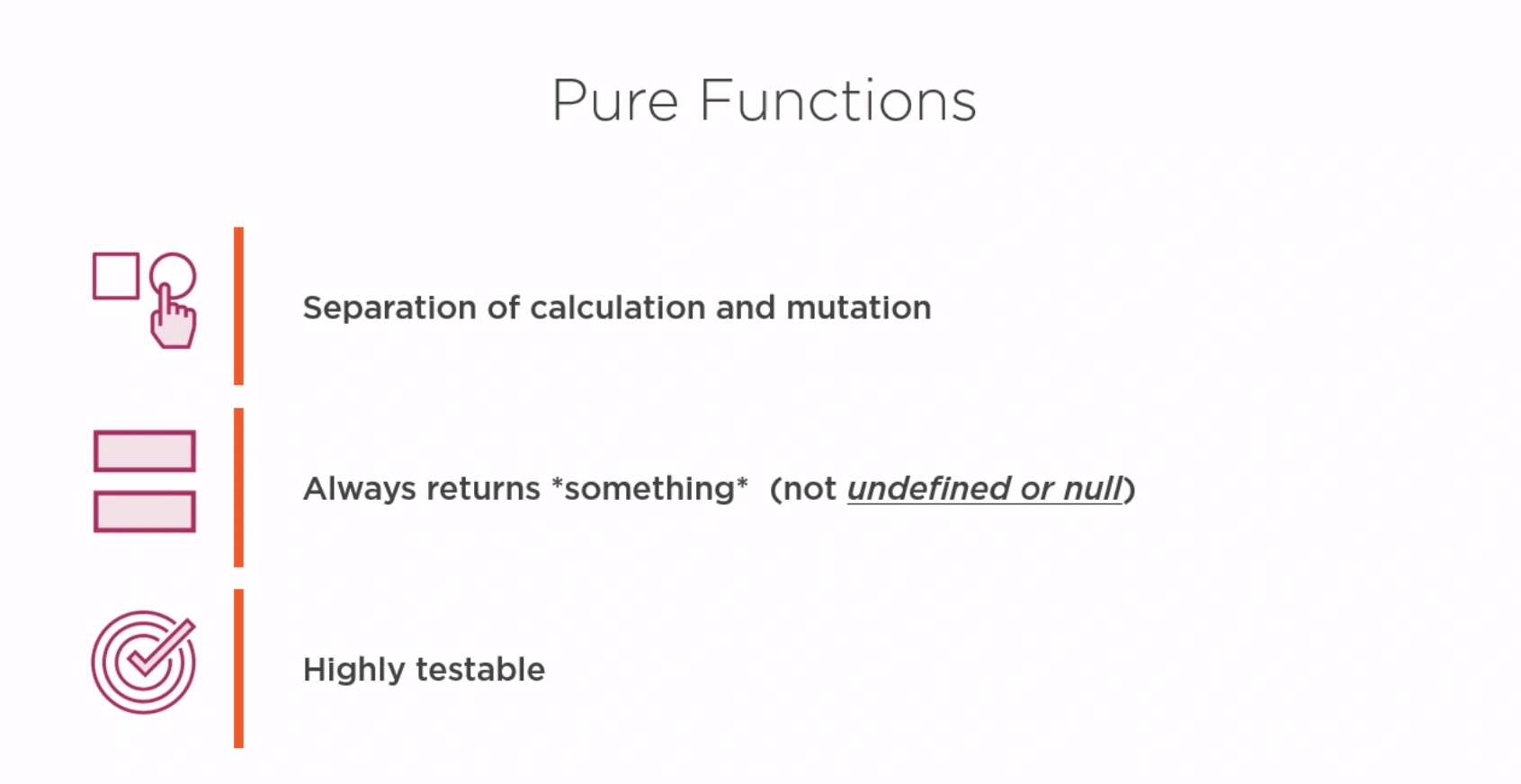
A pure function's return value is determined only by its input values (arguments) with no side effects. When given the same argument, the result will always be the same. Here is an example:
function half(x) {
  return x / 2;
}
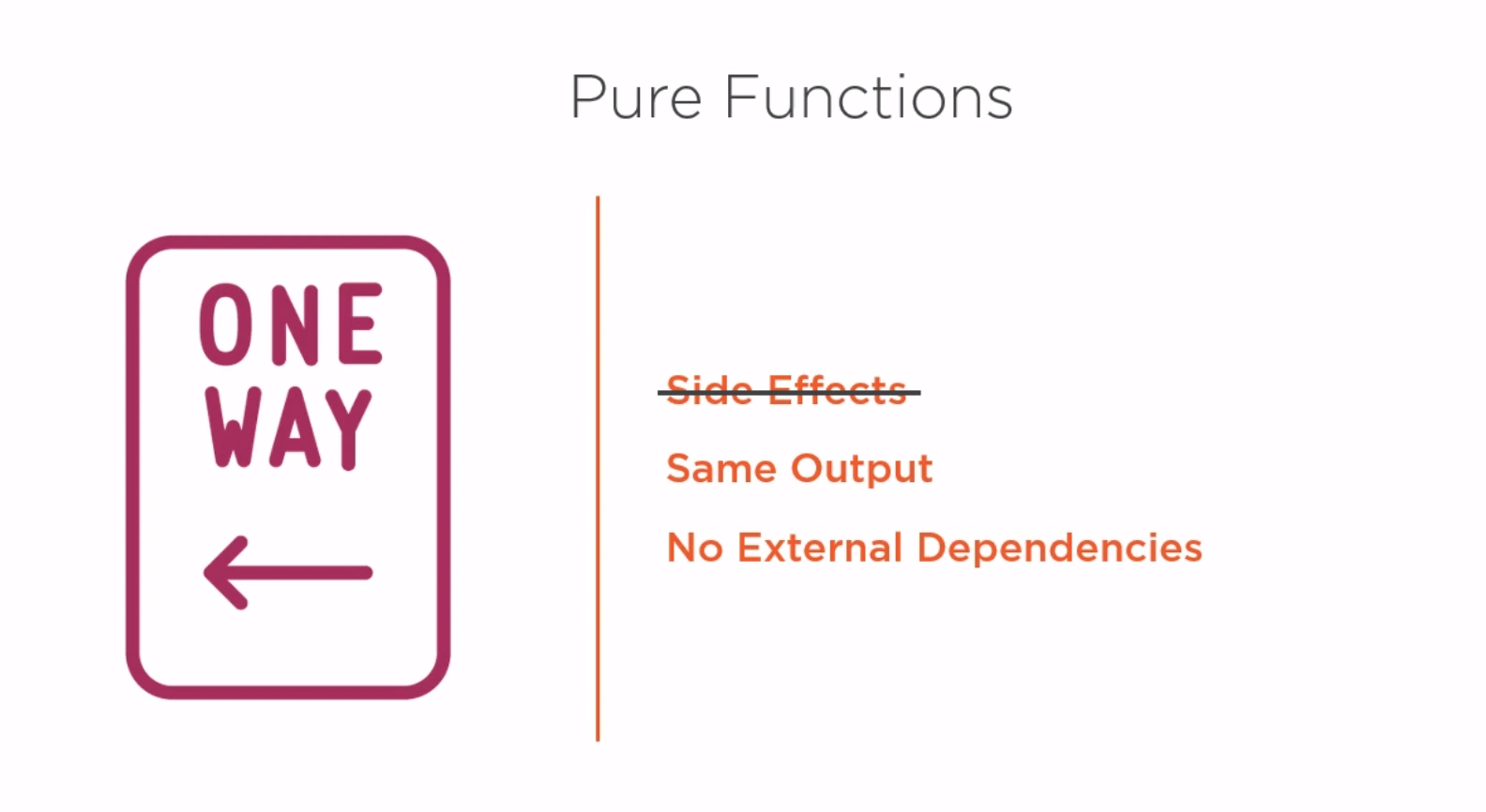
Pure functions only depend on what's passed to them. For example, a pure function cannot reference variables from a parent scope unless they are explicitly passed into the function as arguments. Even then, the function can not modify the parent scope.
// some variable that is mutated
let someNum = 8;

// this is NOT a pure function
function impureHalf() {
  return someNum / 2;
}
In summary:
- Pure functions must take arguments.
- The same input (arguments) will always produce the same output (return).
- Pure functions rely only on local state and do not mutate external state (note:
console.logchanges global state). - Pure functions do not produce side effects.
- Pure functions cannot call impure functions.
Impure Functions
An impure function mutates state outside its scope. Any function that has side effects (see below) is impure.
Consider the following examples:
// impure function producing a side effect
function showAlert() {
  alert('This is a side effect!');
}

// impure function mutating external state
var globalVal = 1;
function incrementGlobalVal(x) {
  globalVal += x;
}

// impure function that resembles a pure function,
// but returns different results given the same inputs
function getRandomRange(min, max) {
  return Math.random() * (max - min) + min;
}
Side Effects in JavaScript
When a function or expression modifies state outside its own context, the result is a side effect. Examples of side effects include making a call to an API, manipulating the DOM, raising an alert dialog, writing to a database, etc. If a function produces side effects, it is considered impure. Functions that cause side effects are less predictable and harder to test since they result in changes outside their local scope.
Purity Takeaways
Plenty of quality code consists of impure functions that procedurally invoke pure functions. This still produces advantages for testing and immutability. Referential transparency also enables memoization: caching and storing function call results and reusing the cached results when the same inputs are used again. It can be a challenge to determine when functions are truly pure.
To learn more about purity, check out the following resources:
- Pure versus impure functions
- Master the JavaScript Interview: What is a Pure Function?
- Functional Programming: Pure Functions
- Pure functions are stateless.
A first order function is a function that doesn't accept another function as an argument and doesn't return a function as its return value.
Higher-order Functions
A higher-order function is a function that:
- takes another function as an argument, and/or
- returns a function as a result.
In JavaScript, functions are first-class objects. They can be stored and passed around as values: we can assign a function to a variable or pass a function to another function.
const double = function(x) {
  return x * 2;
}
const timesTwo = double;

timesTwo(4); // result: returns 8
Function Expression
- assign a variable to hold the function expression so needs a semicolon
- can dynamically change call to function
- modular / encapsulation
let getData = function() {
  let x = 5;
  displayData(x);
}
- placed in the global scope, attached to the topmost object, the window
- A Function Expression is created when the execution reaches that line of code and is usable from then on.
Statements vs Expressions
Statements
- statement- a single command
- coherent group of words to perform one task
Expressions
- expression value gets assigned to the variable on the left
Anonymous Function Expression
- Functions in Functions
- giving a variable the value of a function
- cannot call variable-function until after it's initialized since it's not a function, its a variable
function outerFunction(n) {
    function innerFunction() {
          return n * n;
    }
    return innerFunction();
}
var outerFunction(4); // x== 16 innerFunc can't be called directly
 getAvengers = function() {
        // implementation details go here
    };
Named Function Expression
var prime = function Optimize() {
    // implementation details go here
};
Function Expression have a semicolon ; at the end, but Function Declaration does not
generator functions
class SomeClass {

    constructor(){}

    async * sumAsyncGeneratorFunc() {

        while(true){
            const data = await someAsyncFunc();
            yield data;
        }
    }
}
Async generator functions are similar to generator functions, with the following differences:
- When called, async generator functions return an object, an async generator whose methods (
next,throw, andreturn) return promises for{ value, done }(as in code), instead of directly returning{ value, done }. This automatically makes the returned async generator objects async iterators. awaitexpressions andfor-await-ofstatements are allowed.- The behavior of
yield*is modified to support delegation to async iterables.
For example:
async function* readLines(path) {
  let file = await fileOpen(path);

  try {
    while (!file.EOF) {
      yield await file.readLine();
    }
  } finally {
    await file.close();
  }
}
Monads
Monads are a functional programming concept that can be used in JavaScript to help manage side effects and simplify asynchronous code.
In functional programming, a monad is a way of encapsulating a value or computation within a container object. This container object can then be used to perform operations on the encapsulated value or computation in a way that ensures certain rules are followed, such as preserving referential transparency or handling errors in a uniform way.
In JavaScript, monads can be used to manage side effects, such as those associated with I/O or asynchronous operations. By encapsulating these side effects within a monad, you can ensure that they are handled in a consistent, predictable way, and that the rest of your code is not affected by them.
One example of a monad in JavaScript is the Promise monad. Promises are a way of representing asynchronous computations that may succeed or fail. A Promise object encapsulates the result of an asynchronous operation, and provides methods for handling both the successful and unsuccessful cases.
Here's an example of how Promises might be used to manage asynchronous code in JavaScript:
function getData() {
  return new Promise(function(resolve, reject) {
    // Perform some asynchronous operation here, such as an AJAX request
    // When the operation is complete, call either resolve or reject, depending on the outcome
    if (/* operation succeeded */) {
      resolve(result);
    } else {
      reject(error);
    }
  });
}

// Usage
getData()
  .then(function(result) {
    // Handle the successful case here
  })
  .catch(function(error) {
    // Handle the unsuccessful case here
  });
In this example, the getData function returns a Promise object that encapsulates the result of an asynchronous operation. The then method is used to handle the successful case, and the catch method is used to handle the unsuccessful case. By using Promises in this way, you can write asynchronous code that is more readable and maintainable than traditional callback-based code.
Other examples of monads in JavaScript include the Maybe monad, the Either monad, and the Reader monad. Each of these monads provides a way of encapsulating a value or computation within a container object, and provides methods for performing operations on that container in a consistent, predictable way.
Arrows functions aka Lambda Functions
https://dmitripavlutin.com/javascript-arrow-functions-best-practices/
const doSomething = () => "Do something"
need a function which needs to run immediately (like inside of an event listener) then you can leave out the first half and simply write:
() => "Do something"
Arrow functions can be used in the same way as Function Expressions.
let rectArea = (length, breadth) => return length * breadth;
- Arrows are a function shorthand using the => syntax. They are syntactically similar to the related feature in C#, Java 8 and CoffeeScript. They support both statement block bodies as well as expression bodies which return the value of the expression. Unlike functions, arrows share the same lexical this as their surrounding code.
- Does not have its own this, arguments, super, or new.target. These functions are best suited for non-method functions, and they cannot be used as constructors
- ()=> sometimes called the “fat arrow functions” gives us a short syntax to work with functions also they handle scope very well.
- An important feature of arrow functions is that they bind the this value.
- Arrow functions should never be used for constructor functions.
// Expression bodies
var odds = evens.map(v => v + 1);
var nums = evens.map((v, i) => v + i);
var pairs = evens.map(v => ({even: v, odd: v + 1}));

// Statement bodies
nums.forEach(v => {
  if (v % 5 === 0)
    fives.push(v);
});

// Lexical this
var bob = {
  _name: "Bob",
  _friends: [],
  printFriends() {
    this._friends.forEach(f =>
      console.log(this._name + " knows " + f));
  }
}
Style Guide
// bad
[1, 2, 3].map(function (x) {
  const y = x + 1;
  return x * y;
});

// good
[1, 2, 3].map((x) => {
  const y = x + 1;
  return x * y;
});
Syntax
(param1, param2, …, paramN) => { statements }
(param1, param2, …, paramN) => expression
// equivalent to: => { return expression; }

// Parentheses are optional when there's only one parameter name:
(singleParam) => { statements }
singleParam => { statements }

// The parameter list for a function with no parameters should be written with a pair of parentheses.
() => { statements }
// Advanced Syntax
// Parenthesize the body of function to return an object literal expression:
params => ({foo: bar})

// Rest parameters and default parameters are supported
(param1, param2, ...rest) => { statements }
(param1 = defaultValue1, param2, …, paramN = defaultValueN) => {
statements }

// Destructuring within the parameter list is also supported
var f = ([a, b] = [1, 2], {x: c} = {x: a + b}) => a + b + c;
f(); // 6
Example
function doSomething() {
    return "Do something";
}

  items.forEach(function(x) {
    console.log(x);
    incrementedItems.push(x+1);
  });

  incrementedItems = items.map(function (x) {
    return x+1;
  });
Shorthand Syntax
const doSomething = () => {
    return "Do something"
}

  items.forEach((x) => {
    console.log(x);
    incrementedItems.push(x+1);
  });

  incrementedItems = items.map((x) => x+1);
- When I have just one single command inside of the block, I can omit the curly braces
{}. I can also remove the return keyword when I am returning something, and put the entire command in a single line. So the updated code now looks like this:
Polymorphism in JavaScript
Polymorphism in JavaScript refers to the ability of objects to have multiple forms or behaviors based on their underlying type or class. It allows different objects to respond to the same method or property in different ways, depending on their specific implementation.
JavaScript implements polymorphism through the concept of dynamic typing and duck typing. In dynamic typing, the type of an object is determined at runtime, allowing objects to be assigned and reassigned to variables of different types. Duck typing refers to the practice of determining an object's suitability for a particular operation based on its properties and methods rather than its explicit type.
Here's an example to illustrate polymorphism in JavaScript:
class Animal {
  makeSound() {
    console.log("Animal makes a sound");
  }
}

class Dog extends Animal {
  makeSound() {
    console.log("Dog barks");
  }
}

class Cat extends Animal {
  makeSound() {
    console.log("Cat meows");
  }
}

// Polymorphic behavior
const animals = [new Dog(), new Cat()];

animals.forEach((animal) => {
  animal.makeSound(); // The makeSound() method behaves differently based on the object's specific type
});
In the code snippet above, we define a base class Animal with a makeSound() method. We then create two subclasses, Dog and Cat, each of which overrides the makeSound() method with its specific sound.
By creating instances of Dog and Cat and storing them in an array, we can iterate over the array and call the makeSound() method on each object. Although we're calling the same method, the actual behavior is determined by the specific type of the object. This is an example of polymorphism in action, where different objects exhibit different behaviors while responding to the same method.
Polymorphism allows for code reuse, flexibility, and extensibility in JavaScript. It enables developers to write more generic code that can handle a variety of different object types, making it easier to work with complex object hierarchies and promote code modularity.