VS Code Can Do That?!
Try the following steps on Windows 10 to ALWAYS open VS Code as admin
| ALWAYS open VS Code as admin | Steps |
|---|---|
| 1 - Search for Visual Studio on the Start window and select "Open file location", Show more options | 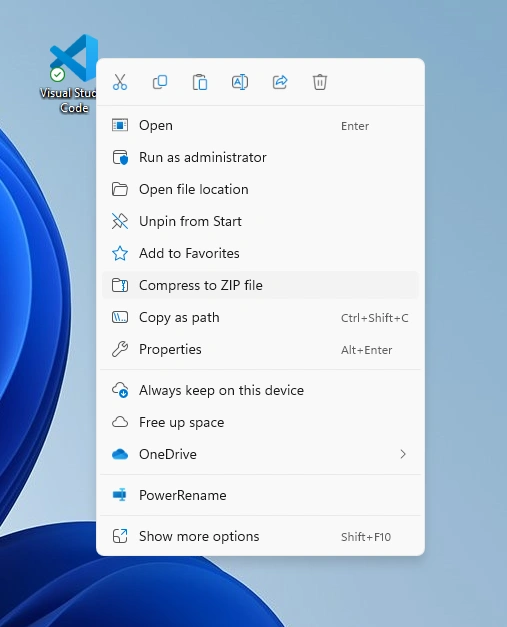 |
| 2 - Select "Troubleshoot compatibility" : | 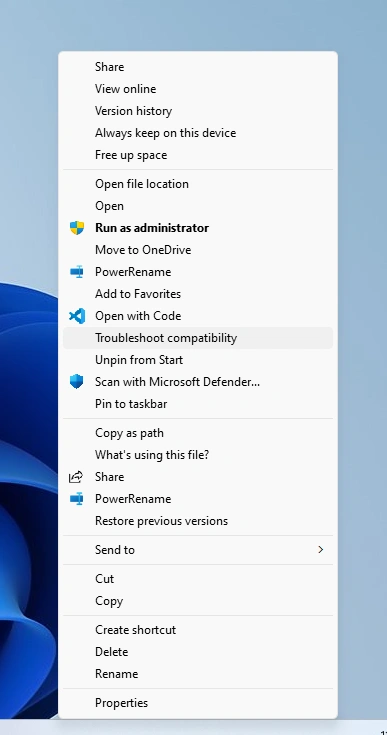 |
2B. WINDOWS IMPORTANT NOTE YOU MUST OPEN THE VS CODE APP WITH RUN AS ADMINISTRATOR | 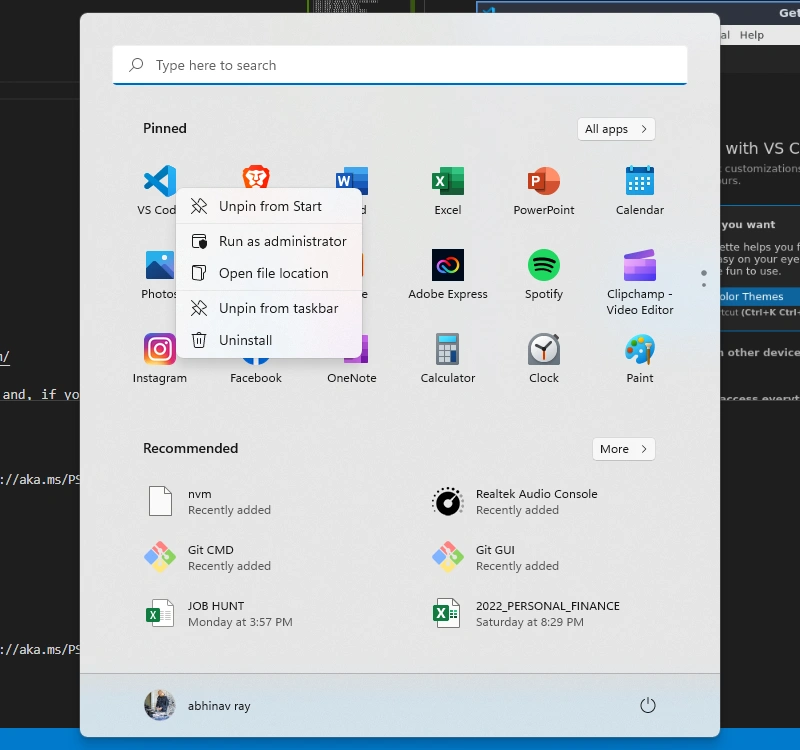 |
| Visual Studio Code Get Started Screen | 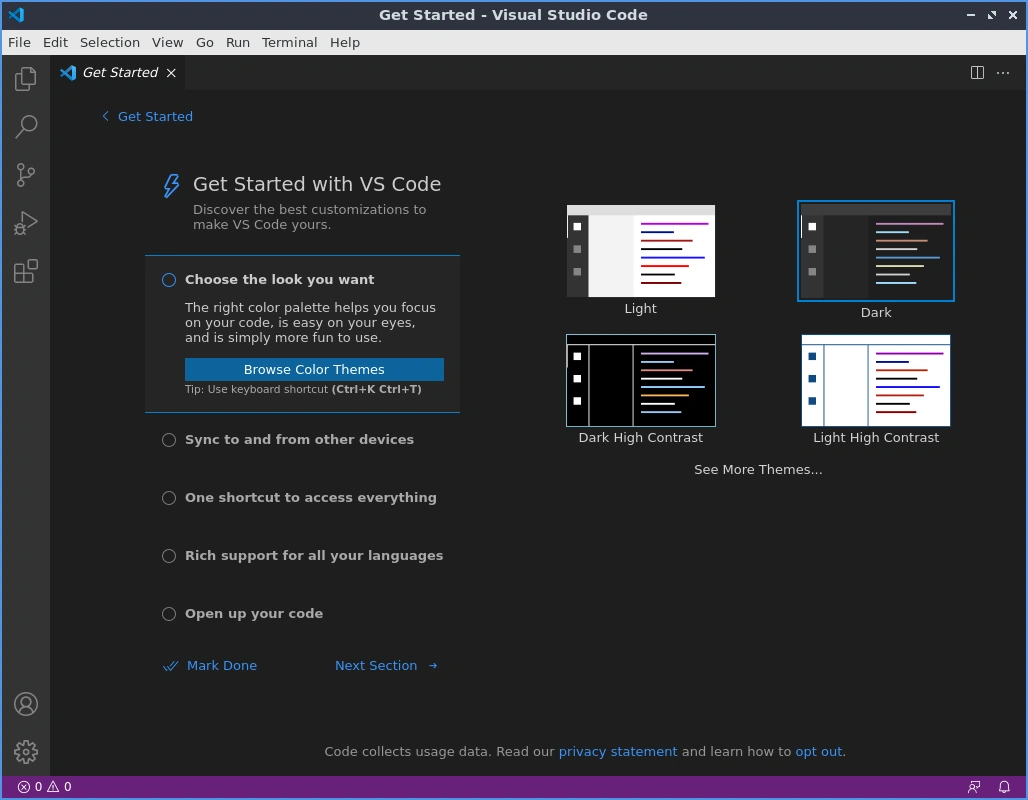 |
| 3 - Select "troubleshoot program": | 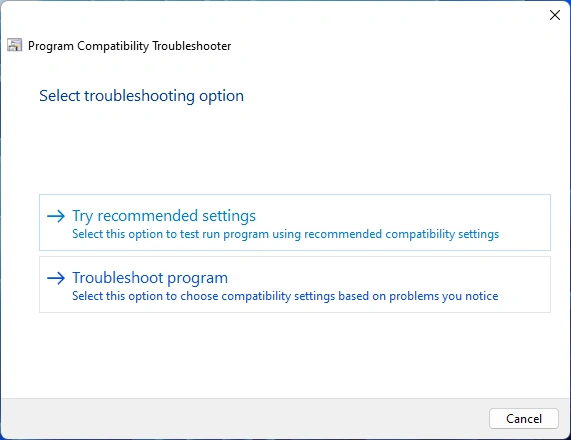 |
| 4 - Select this program requires additionalpermissions | 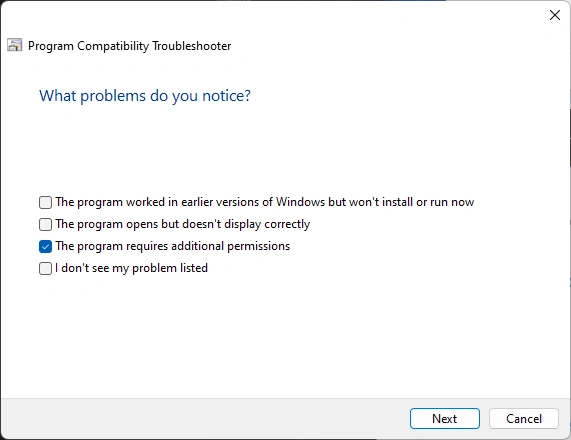 |
| 5 - raise permissions | Select "Yes, save these settings for this program" |
Extensions
VS Code doesn't update when running in Admin mode
winget upgrade --id Microsoft.VisualStudioCode