MS Dev Home
- VS Code
- Android Studio
- Git
- PowerToys
- Oh-My-Posh
- Chocolatey
Windows PowerShell
Oh-My-Posh
View default theme selection in shell
Get-PoshThemes
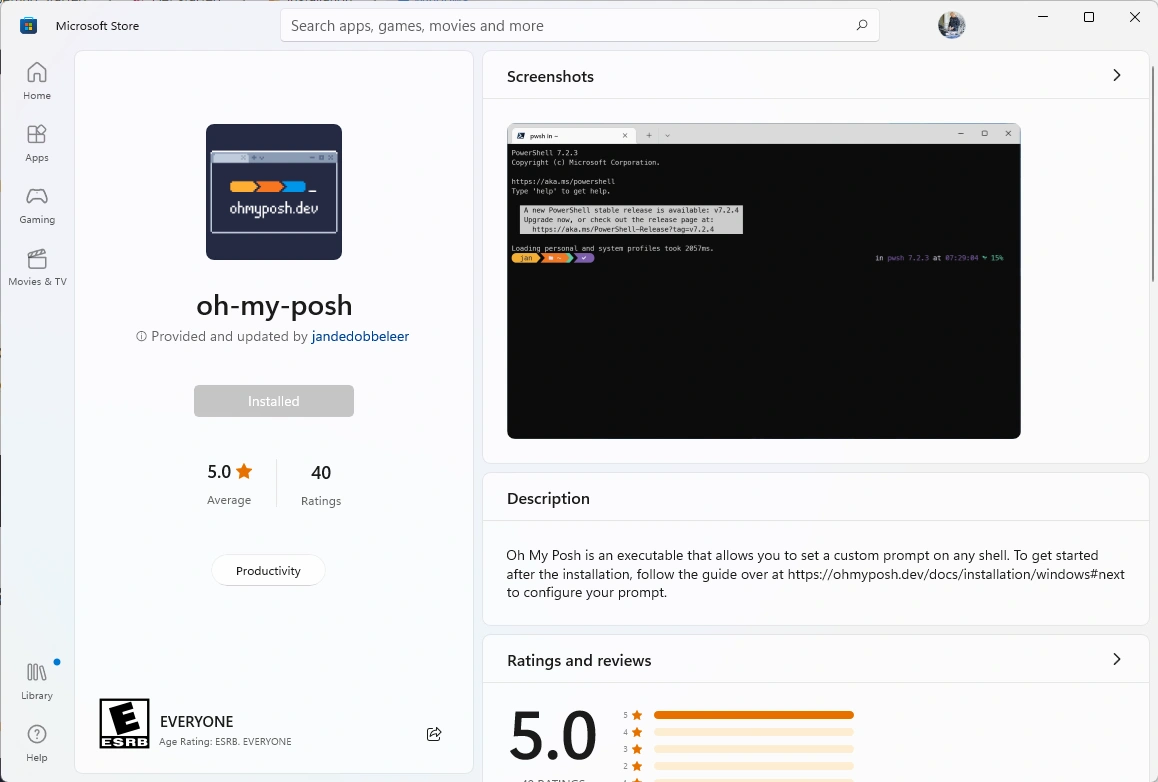
winget install JanDeDobbeleer.OhMyPosh -s winget
oh-my-posh init pwsh -c "\$env:USERPROFILE\path\to\custom_theme.json" | Invoke-Expression
open themes folder
explorer \$env:POSH_THEMES_PATH
- open user profile settings
code \$env:USERPROFILE
title: abhi's shell theme
subtitle: based on clean-detailed and devious diamonds
url: agency/dev/shell/abhi.omp.json
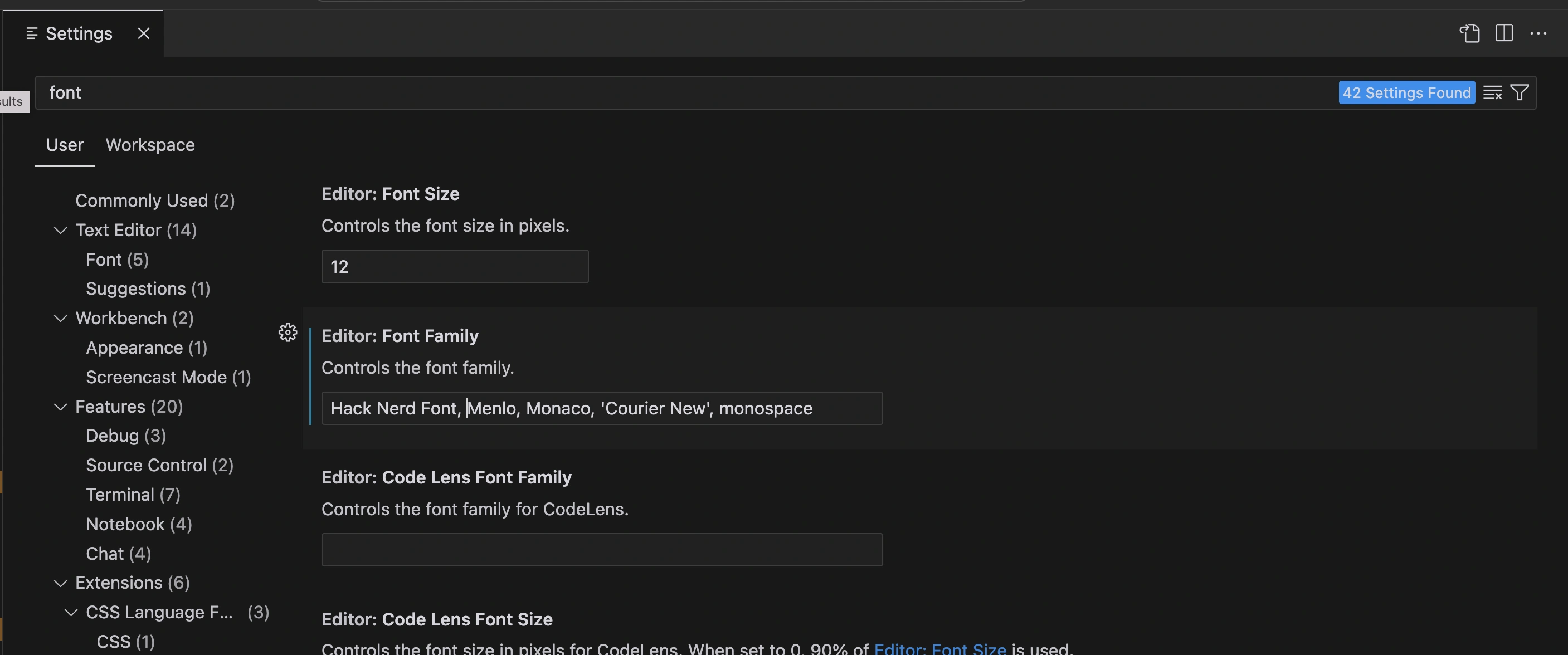
Nerd Fonts
choose a font to install
oh-my-posh font install
CASKAYDIA COVE NERD FONT COMPLETE
- https://lazyadmin.nl/powershell/powershell-profile/
- https://learn.microsoft.com/en-us/windows/terminal/tutorials/custom-prompt-setup#install-a-nerd-font
AUTO DARK MODE