POSTGRESQL
Table of Contents
Overview
PostgreSQL, often referred to as Postgres, is a powerful open-source relational database management system (RDBMS). It is known for its reliability, scalability, and comprehensive features, making it a popular choice among developers and organizations for managing structured data.
Overall, PostgreSQL is a feature-rich and robust database management system that provides developers and organizations with a reliable and scalable solution for managing their data. Its open-source nature, coupled with its extensive feature set, makes it a compelling choice for a wide range of applications and use cases.
- Support and popularity is growing rapidly (able to use w/ most major cloud providers, GCP, AWS, Azure)
- Built around giving more features and tools for DB admins
- Flexible enough to mix relational data with model-independent data
Here's an overview of some key aspects of PostgreSQL:
-
Relational database: PostgreSQL follows the relational database model, which means it organizes data into tables with rows and columns, and supports relationships between tables through primary keys and foreign keys.
-
Open-source: PostgreSQL is an open-source project, which means its source code is freely available and can be modified and redistributed. This allows the community to contribute to its development and ensures its continuous improvement.
-
Data types: PostgreSQL provides a rich set of built-in data types, including numeric, character, text, date/time, Boolean, array, JSON, XML, and more. Additionally, it allows users to define custom data types to suit specific requirements.
-
ACID compliance: PostgreSQL ensures data integrity and consistency through the ACID (Atomicity, Consistency, Isolation, Durability) properties. It guarantees that transactions are processed reliably and recoverable in case of failures.
-
Advanced features: PostgreSQL offers a wide range of advanced features, such as support for complex queries, indexing, full-text search, geospatial data processing, transactional DDL (Data Definition Language), concurrency control, and multi-version concurrency control (MVCC).
-
Extensibility: PostgreSQL allows users to extend its functionality by creating custom functions, operators, and data types using various programming languages such as SQL, PL/pgSQL, PL/Python, PL/Perl, PL/Java, and more.
-
Scalability and Performance: PostgreSQL is designed to handle large amounts of data and high transaction loads. It supports parallel execution of queries, table partitioning, and can be configured for high availability and replication setups.
-
Security: PostgreSQL provides robust security features, including authentication and authorization mechanisms, SSL/TLS encryption for secure network communication, row-level security, and support for secure connections using various authentication methods.
-
Integration: PostgreSQL offers extensive support for various programming languages and frameworks, allowing seamless integration with applications. It provides drivers and connectors for popular languages like Python, Java, Ruby, and .NET, enabling developers to interact with the database easily.
-
Community and Ecosystem: PostgreSQL has a vibrant and active community of developers and users who contribute to its development, provide support, and share knowledge. It also has a vast ecosystem of tools, extensions, and frameworks that enhance its functionality and ease of use.
Schema
In PostgreSQL, a schema is a named container that holds database objects, such as tables, views, functions, and other related entities. It provides a way to organize database objects into logical groups and helps avoid naming conflicts between objects.
A schema can be thought of as a namespace within a database. By default, when you create a new database in PostgreSQL, it comes with a single schema called "public." However, you can create additional schemas to organize your database objects more effectively.
Each schema can have its own set of tables, views, functions, and other objects. For example, you might create a schema called "sales" to hold tables related to sales data, and another schema called "hr" to hold tables related to human resources.
Schemas can be useful in several ways:
-
Object organization: Schemas provide a way to logically group related database objects, making it easier to manage and navigate through the database structure.
-
Access control: You can assign different access privileges to different schemas, allowing you to control who can access or modify specific sets of objects.
-
Avoiding naming conflicts: Schemas help avoid naming conflicts between objects. For instance, you can have a table named "customers" in both the "sales" schema and the "hr" schema without conflicts.
To create a schema in PostgreSQL, you can use the CREATE SCHEMA statement. Here's an example:
CREATE SCHEMA schema_name AUTHORIZATION postgres;
Once a schema is created, you can create tables and other objects within that schema by referencing it in the object's fully qualified name. For instance, if you have a schema named "sales" and a table named "orders" within that schema, you would refer to it as "sales.orders" in your SQL queries.
You can also set a default schema for a user or a group of users, so they don't need to specify the schema explicitly when accessing objects within that schema.
Overall, schemas in PostgreSQL provide a way to organize and manage database objects, improve security, and avoid naming conflicts in large database systems.
● star schema ○ advantages ○ disadvantages ● snowflake schema ○ advantages ○ disadvantages
Install
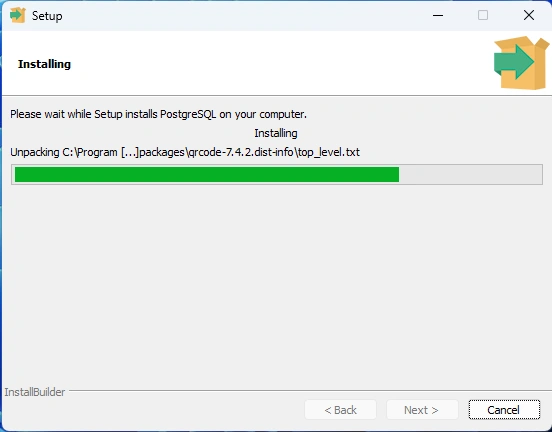
Windows 11
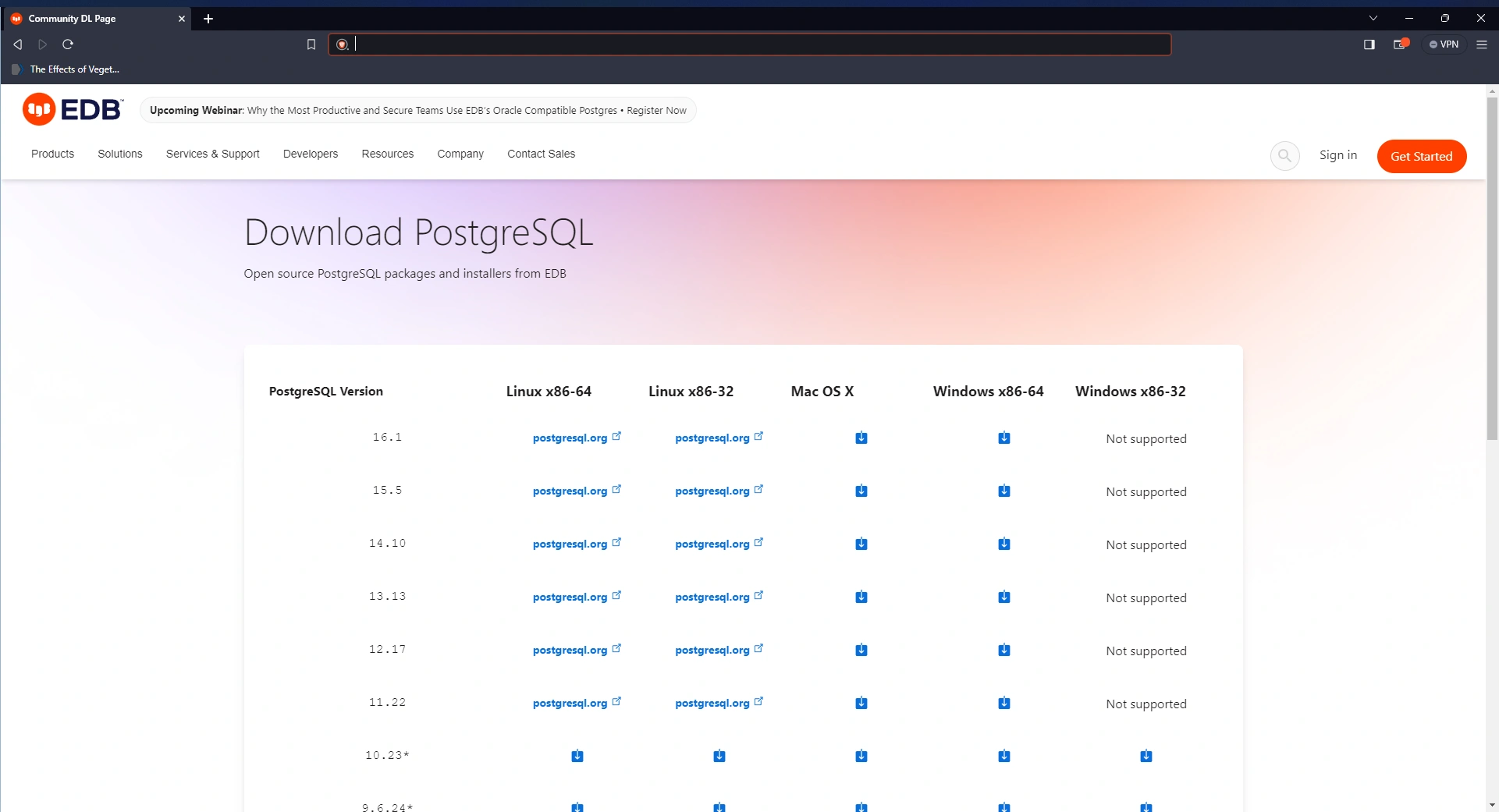
Step 1
Step 2
postgresql-16.1-1-windows-x64
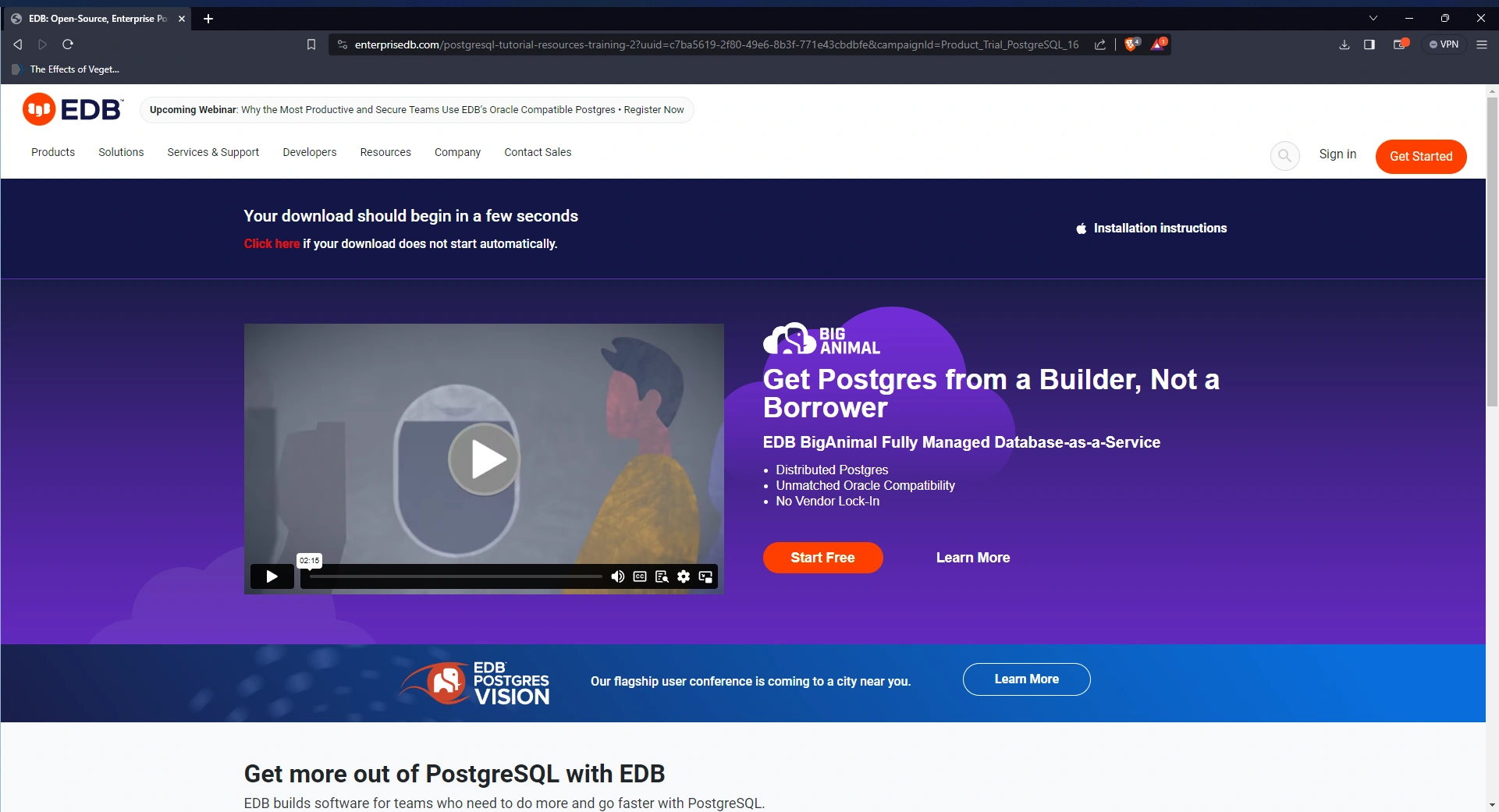
Step 3
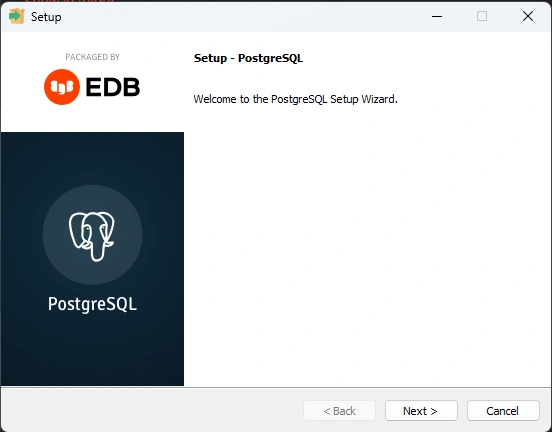
Step 4
install directory C:\Program Files\PostgreSQL\16
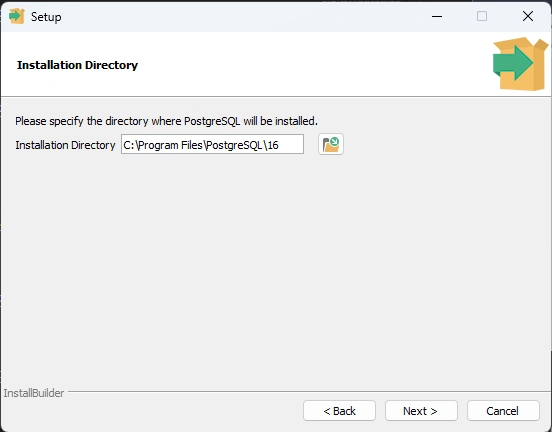
Step 5
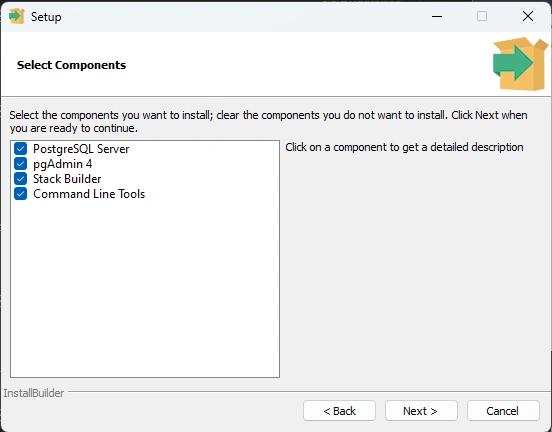
Step 6
data directory C:\Program Files\PostgreSQL\16\data
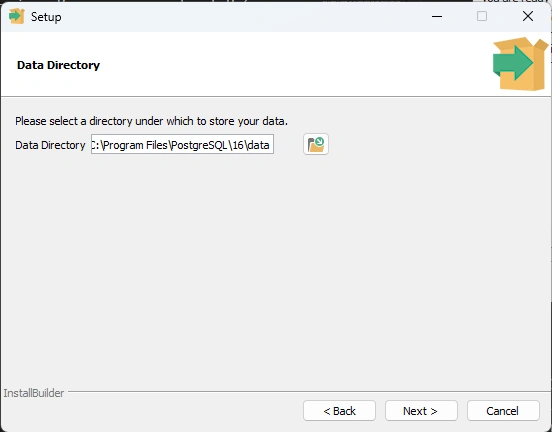
Step 7
database superuser / admin postgres
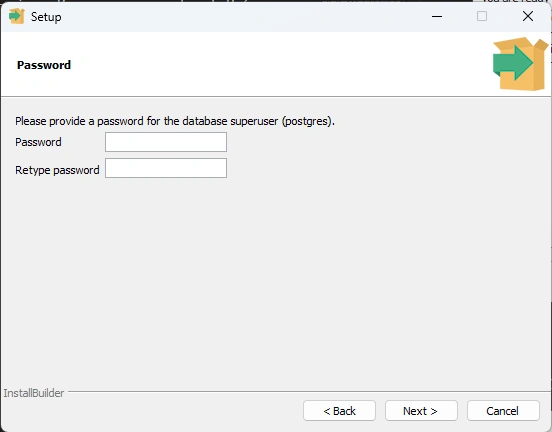
Step 8 Port
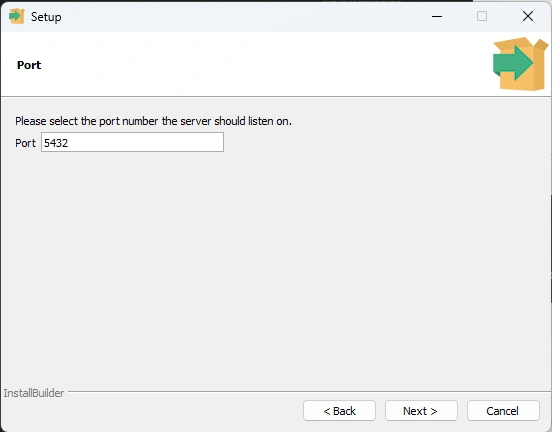
Step 9
MacOS Monterey v12.7.1
https://formulae.brew.sh/formula/postgresql@16#default brew install postgresql@16
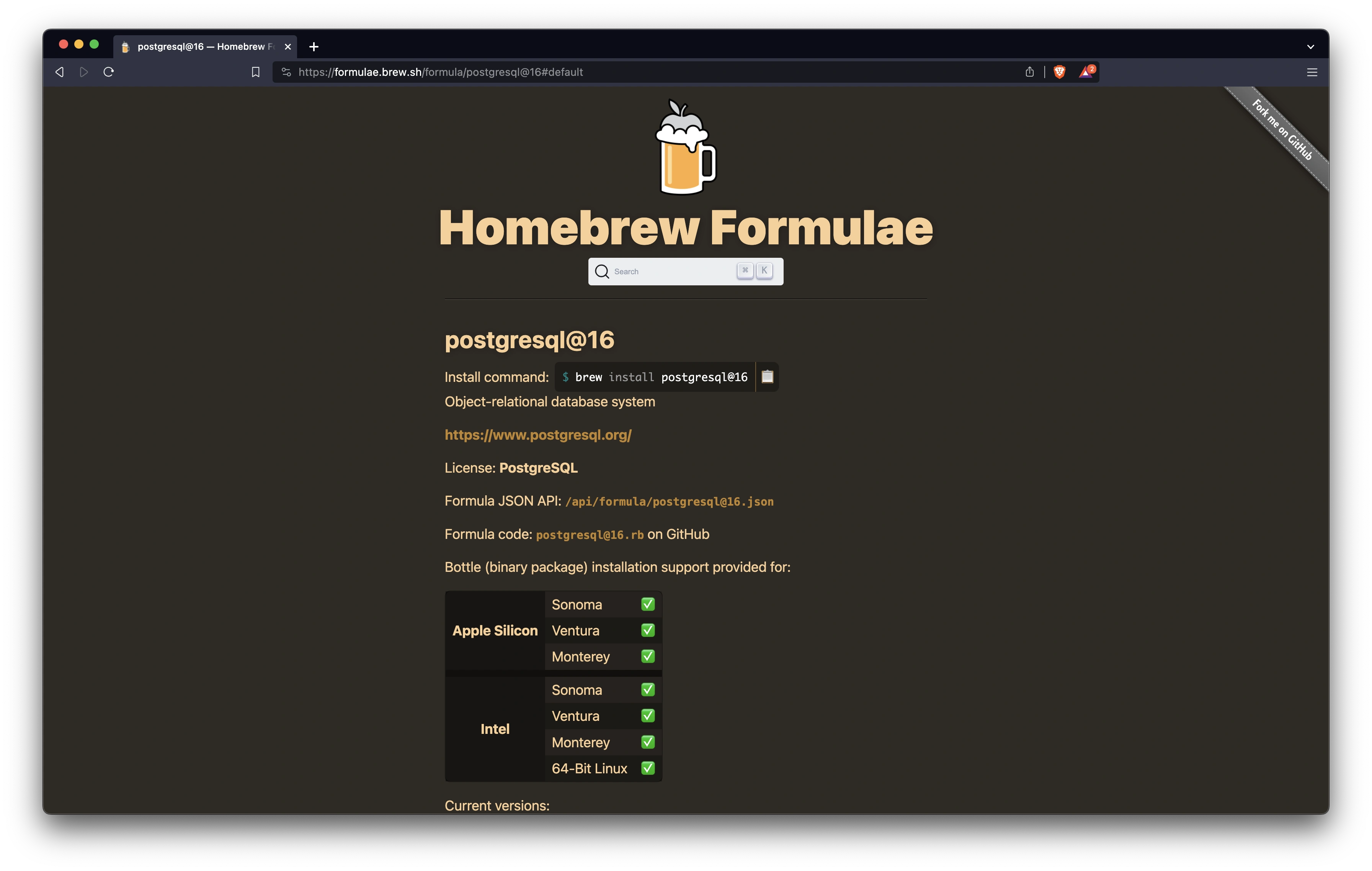
This formula has created a default database cluster with: initdb --locale=C -E UTF-8 /usr/local/var/postgresql@16 For more details, read: https://www.postgresql.org/docs/16/app-initdb.html
postgresql@16 is keg-only, which means it was not symlinked into /usr/local, because this is an alternate version of another formula.
If you need to have postgresql@16 first in your PATH, run:
echo 'export PATH="/usr/local/opt/postgresql@16/bin:\$PATH"' >> ~/.zshrc
For compilers to find postgresql@16 you may need to set:
export LDFLAGS="-L/usr/local/opt/postgresql@16/lib"
export CPPFLAGS="-I/usr/local/opt/postgresql@16/include"
For pkg-config to find postgresql@16 you may need to set:
export PKG_CONFIG_PATH="/usr/local/opt/postgresql@16/lib/pkgconfig"
To start postgresql@16 now and restart at login:
brew services start postgresql@16
Or, if you don't want/need a background service you can just run:
LC_ALL="C" /usr/local/opt/postgresql@16/bin/postgres -D /usr/local/var/postgresql@16
https://formulae.brew.sh/cask/pgadmin4#default
next: install pgadmin
brew install --cask pgadmin4
PGAdmin 4
! you must remember your superuser password!
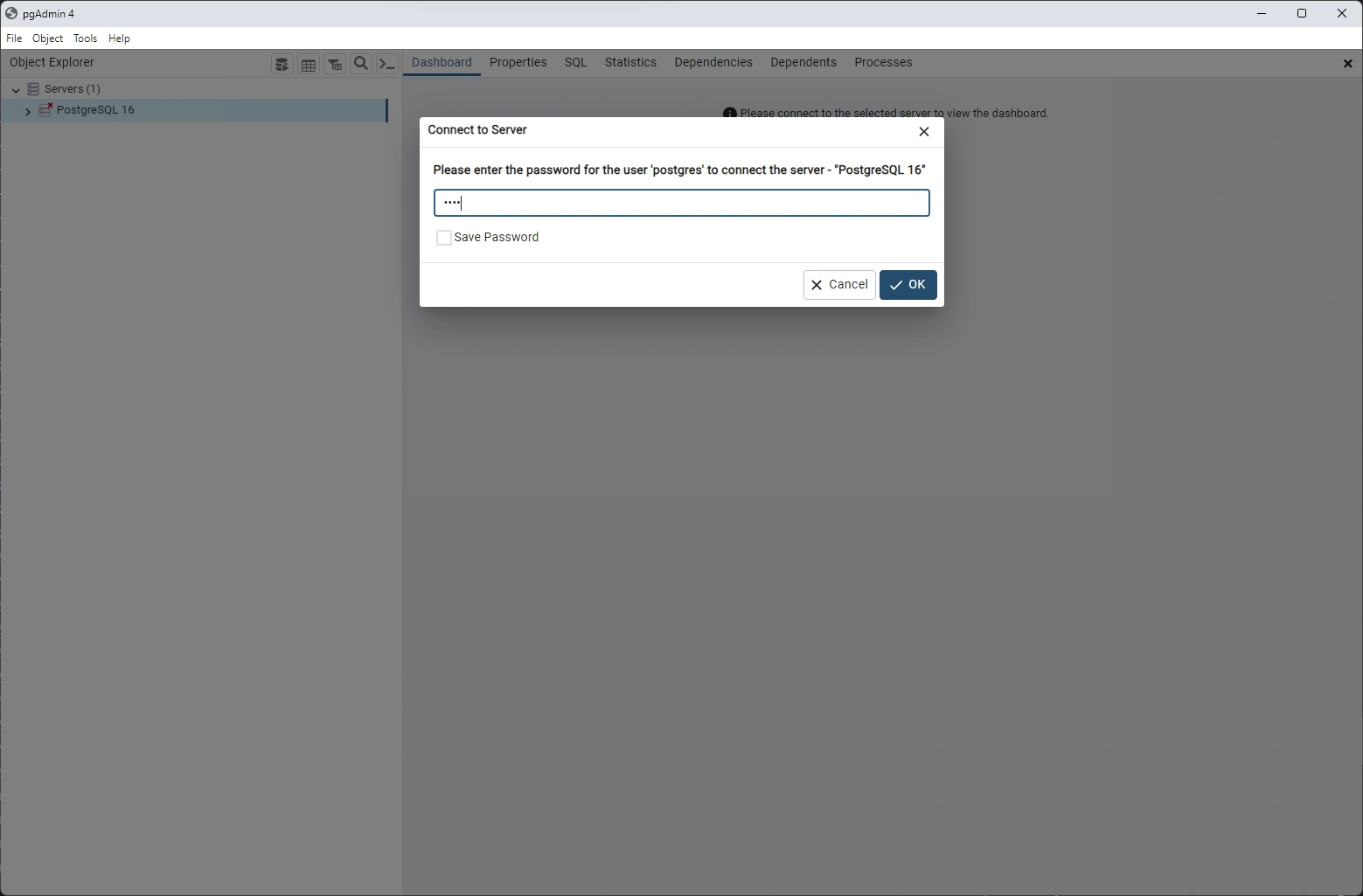
connect to the server with GUI
Review Database
ANALYZE (VERBOSE)
UPDATE STATISTICS <database>.<table>
psql
connect to the server with CLI
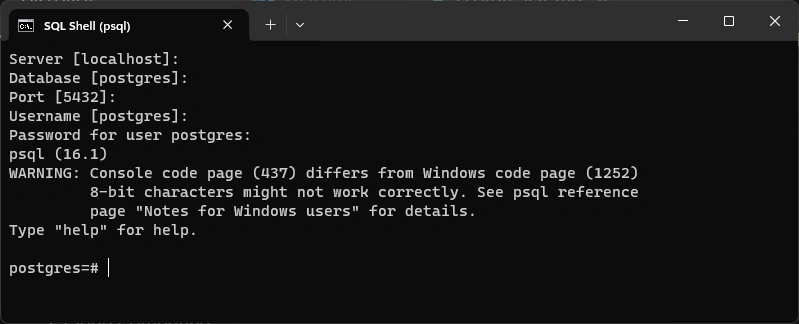
psql -V version 16
psql <database>
\?
\conninfo connection information
listen channel;
notify channel, 'test'
CREATE TRIGGER
CREATE TRIGGER check_update
    BEFORE UPDATE ON dictionary
    FOR EACH ROW
    EXECUTE FUNCTION
check_dictionary_update();
Logical Replication
- publish and subscribe model
- subscribers pull data from one or more publications on a publisher node
pgdump backup command
right click on database > click Manage > backup type > .sql output path > filepath