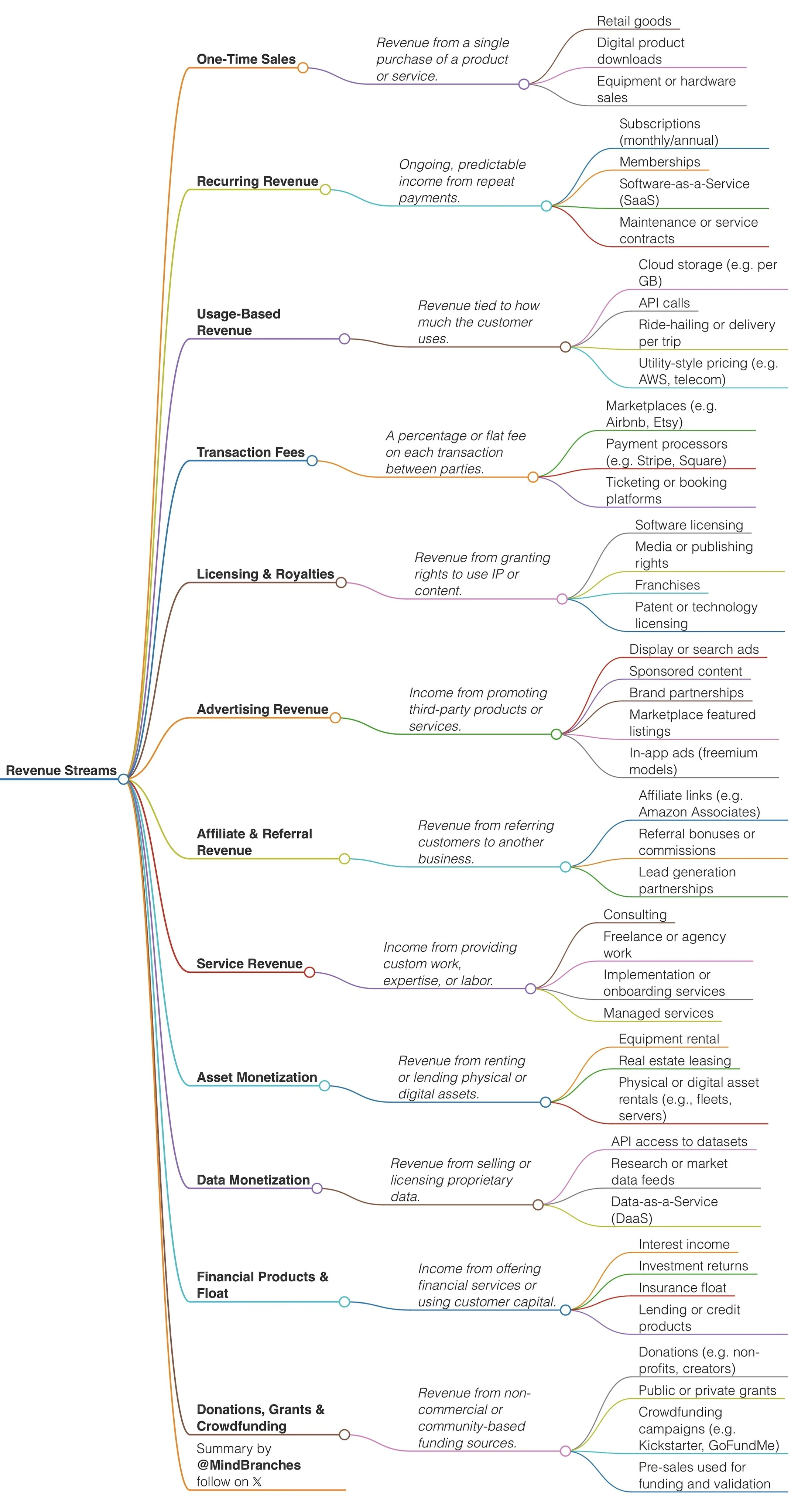
Revenue
Setting Up Monthly ACH Payments
To set up monthly ACH (Automated Clearing House) payments for your services:
- Choose an ACH Provider: Select a bank or third-party payment processor (e.g., Stripe, Plaid, QuickBooks, PayPal, or your business bank) that supports recurring ACH transfers.
- Collect Client Authorization: Obtain written authorization from your client to debit their account monthly. This can be done via a signed ACH authorization form or a secure online agreement.
- Gather Bank Details: Securely collect the client’s bank routing and account numbers.
- Set Up Recurring Payments: Use your ACH provider’s dashboard to schedule monthly debits for the agreed amount. Specify the payment date and frequency.
- Notify the Client: Inform your client of the payment schedule and provide receipts or invoices for each transaction.
- Monitor and Manage: Regularly check your ACH dashboard for successful payments, failed transactions, or changes in client information.
Tip: Always comply with NACHA rules and data privacy regulations when handling bank information.